

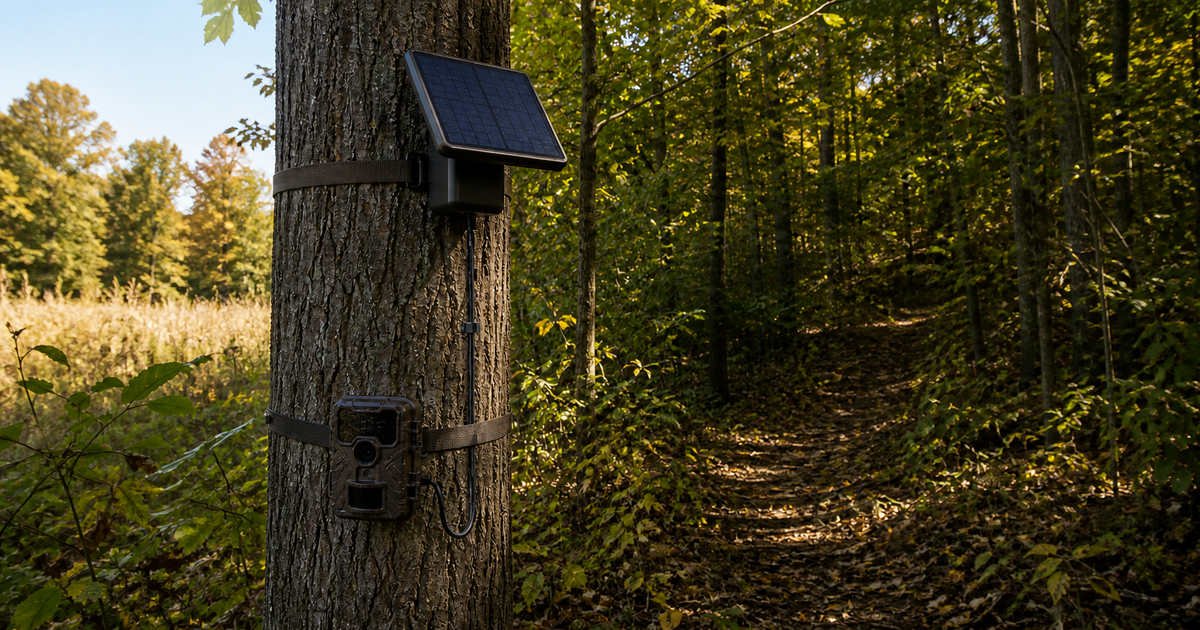
A trail camera solar panel with a battery can be reliable for hunting season, but it is not automatically a set-and-forget power source. The system must match the exact camera, collect enough sunlight to replace the energy the camera uses, survive weather and animals, and have a manufacturer-approved fallback when solar production falls short.
For a remote cellular camera in an open field, a compatible panel with an adequately charged internal battery may reduce disruptive service visits. Under dense canopy, frequent nighttime triggers, heavy video use, weak cellular signal, snow cover, or a damaged cable, the same setup may steadily lose charge. Reliability comes from a positive energy balance and a tested installation—not from the word “solar” on the box.
Quick Verdict for Hunting Season
| Condition | Reliability outlook | What to do |
|---|---|---|
| Manufacturer-listed camera and solar pack; strong sun; moderate activity | Good candidate | Precharge, mount, run a preseason soak test, and log status |
| Partial shade with seasonal leaf growth | Conditional | Measure solar strength at the actual site and plan a backup |
| High-trigger cellular camera with weak signal | Higher drain risk | Reduce false triggers, improve placement or signal, and shorten check interval |
| North-facing slope, dense evergreen cover, persistent snow, or deep winter shade | Low solar margin | Use a larger approved system or rely on the camera's supported battery setup |
| Unknown voltage, polarity, connector, or charge behavior | Not ready to deploy | Stop and confirm compatibility with both manufacturers |
The right question is not simply, “Does the panel make power?” It is, “Can this complete system store enough energy and deliver the correct power to this camera through the worst likely week of the season?”
How a Trail Camera Solar Battery System Works
Most systems fall into one of three categories:
- External panel with a built-in rechargeable battery: The panel charges its own storage battery, which supplies the camera through an external-power port.
- Camera with an integrated panel and internal rechargeable battery: The solar cell is part of the camera and maintains the camera's internal pack.
- Panel used with a separate battery or power box: The panel and storage battery are distinct components selected as one compatible system.
These designs are not interchangeable. A solar accessory may power its own battery without charging the AA cells inside the camera. Browning's current micro solar battery pack instructions, for example, state that the solar panel does not charge the batteries installed in the camera and recommend suitable internal batteries as backup.
By contrast, Tactacam says a compatible REVEAL camera can draw directly from the built-in lithium battery in its external solar panel. These are manufacturer- and model-specific behaviors. Follow the exact manual rather than applying one brand's instructions to another camera.
If you are still choosing between internal cells and an external system, review our trail camera battery pack vs. AA battery guide. That comparison helps select the power architecture; this article focuses on whether a solar setup can maintain reliable power at the actual hunting site.
Compatibility Comes Before Sunlight
A plug that fits does not prove electrical compatibility. Before connecting anything, verify:
- Exact camera model and hardware generation
- Solar accessory's manufacturer-listed compatible models
- Required input voltage
- Connector size and locking method
- Center-positive or center-negative polarity, when specified
- Maximum permitted current and power-source type
- Cable and adapter approved for the combination
- Whether internal batteries are required, optional, prohibited, or used as backup
- Allowed rechargeable-battery chemistry and charging method
- Operating and charging temperature limits
Never splice wires, reverse polarity, substitute an unlisted voltage, or improvise an adapter for an unattended woodland installation. An incompatible external supply can damage the camera, battery pack, or cable even when the connector appears correct.
Reliability Is an Energy-Budget Problem
Think of the solar pack as a small bank account:
Energy collected during usable sun − camera energy used = daily energy margin
A positive margin lets the internal battery recover. A negative margin drains stored energy until the camera transfers to an approved backup or shuts down.
What increases camera demand?
- Frequent motion triggers
- Long video clips or large photo bursts
- Nighttime infrared illumination
- Cellular uploads and repeated transmission attempts
- Weak cellular or radio signal
- Frequent status checks or on-demand requests
- Short trigger delays
- False triggers from grass, branches, sun, or heat movement
- Cold or other conditions that reduce usable battery performance
The panel's watt rating alone does not establish reliability. Real collection depends on panel angle, season, latitude, canopy, cloud cover, dust, frost, snow, and the charge controller's behavior.
Why the Built-In Battery Matters
The battery connected to the panel supplies power at night and during clouds, shade, and short periods of poor weather. Its usable capacity and condition determine how long the system can bridge those periods.
Start the season with the pack charged exactly as the manufacturer directs. SPYPOINT tells owners of applicable integrated-solar models to charge the internal battery before field installation. Its current integrated solar panel guidance also warns that a fully discharged battery may need several days or even weeks of sunlight to recover, depending on conditions.
That is why a dead system should not be mounted with the expectation that one bright afternoon will restore it. Precharge, test, and deploy with stored energy already available.
Placement: Aim for the Worst Seasonal Sun
Choose panel placement based on the sun conditions expected during hunting season, not the brighter site you saw in spring.
Check the solar window
Visit the location during the part of the day when direct sunlight is most likely. Account for:
- Leaves that remain during early season
- Lower sun angle later in fall and winter
- Ridge, hollow, and north-facing slope shadows
- Evergreen cover
- Snow shedding from branches
- Future vegetation growth
SPYPOINT recommends placing applicable integrated panels in direct sunlight and facing the camera south when possible. An external adjustable panel offers more freedom because the camera can remain aimed at the trail while the panel is aimed for sun.
Keep the camera framing independent
Do not sacrifice a useful detection zone just to point an integrated panel toward the sun. If the panel is fixed to the camera and the two requirements conflict, select another location or a compatible external-panel solution.
Secure the cable
Route the cable with strain relief and enough slack for temperature movement, but not a loose loop that can snag. Follow the accessory instructions for connector locks, drip loops, and weather seals. Keep connectors off the ground and do not trap a cable where a mounting strap or closing door can crush it.
Should You Keep AA Batteries in the Camera?
Only if the camera and solar-accessory instructions permit or require them.
For systems that use internal cells as backup, install one complete fresh matched set of the approved size, chemistry, voltage, brand requirements, and age. Do not mix used and new cells. The panel may not recharge those AAs; they may simply take over when external power drops. Use our trail camera battery life guide to plan service intervals around settings, weather, activity, and cellular signal.
For systems designed to run without internal batteries, adding cells “just in case” can be unnecessary or contrary to the instructions. Confirm how the camera selects between external and internal sources.
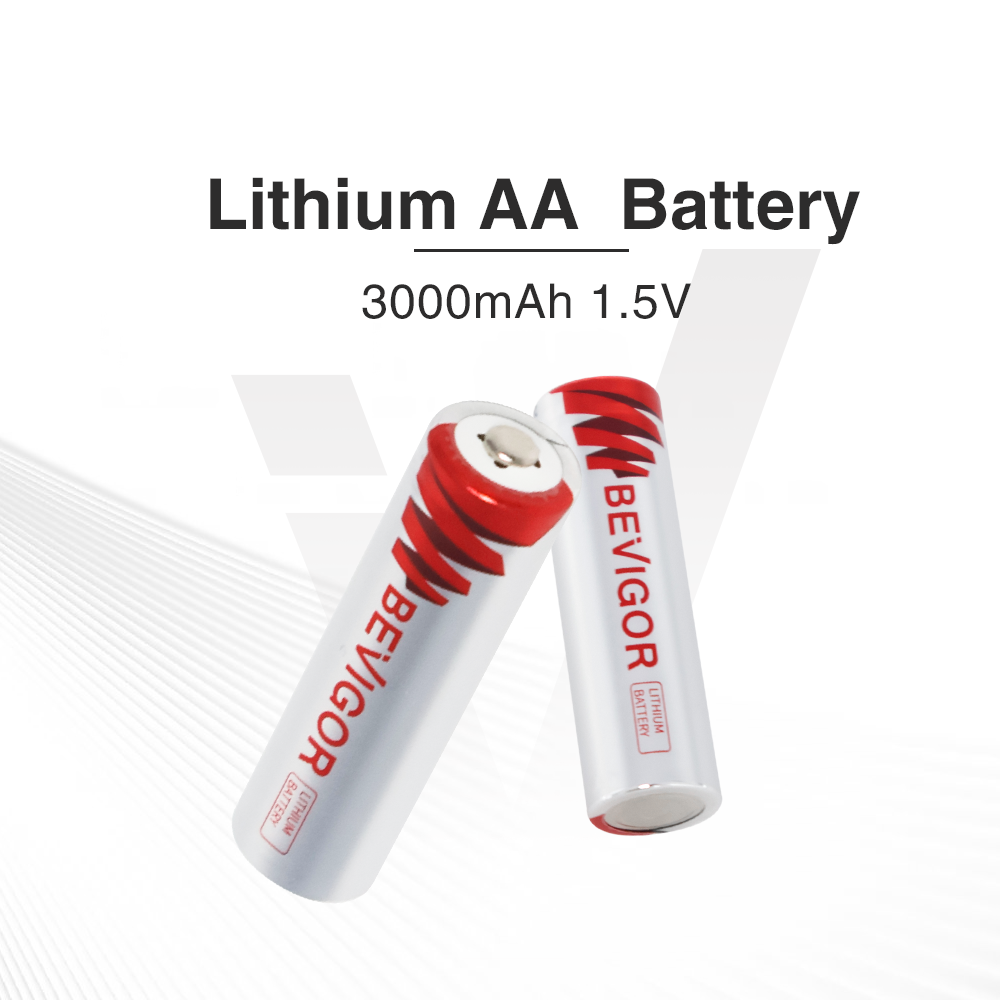
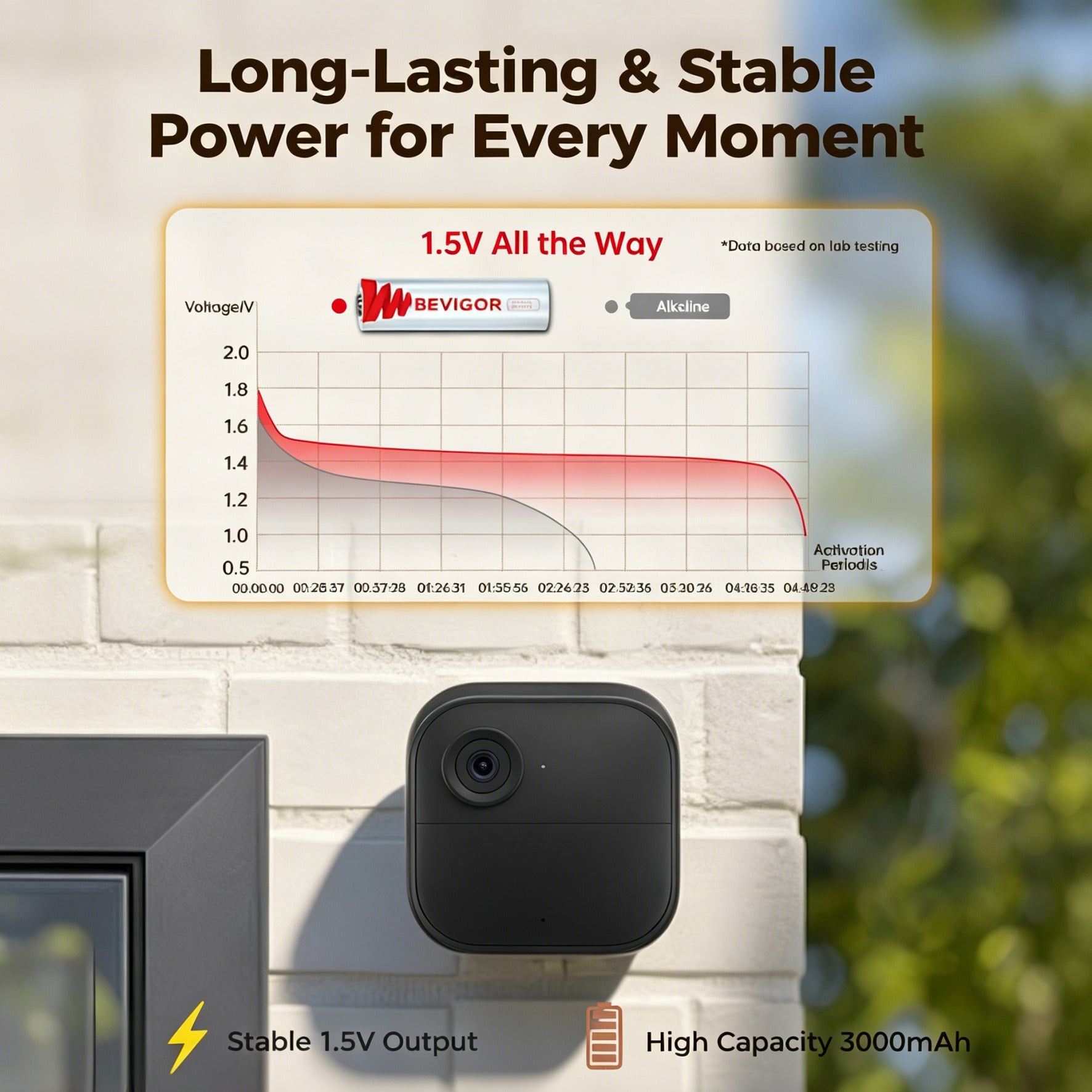
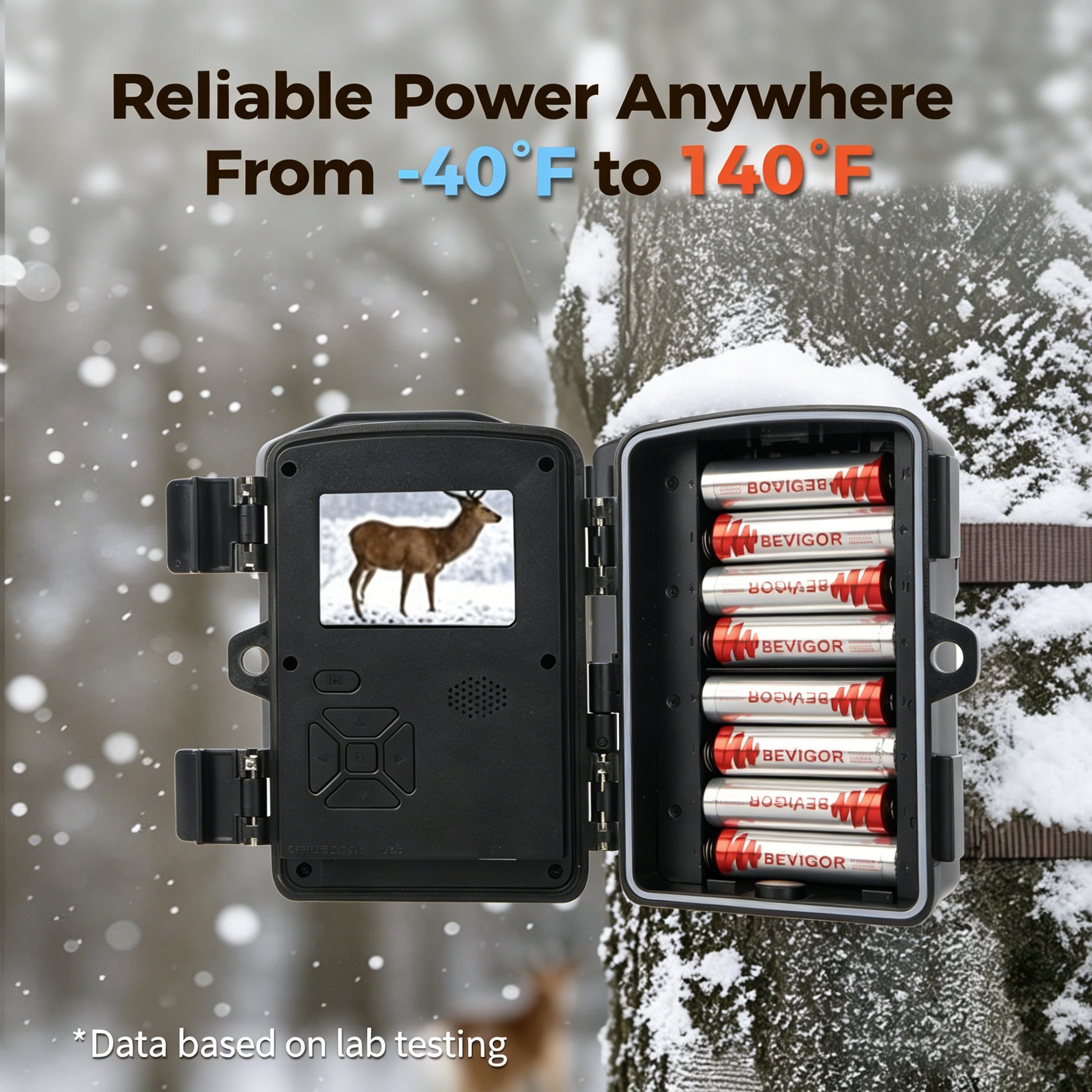
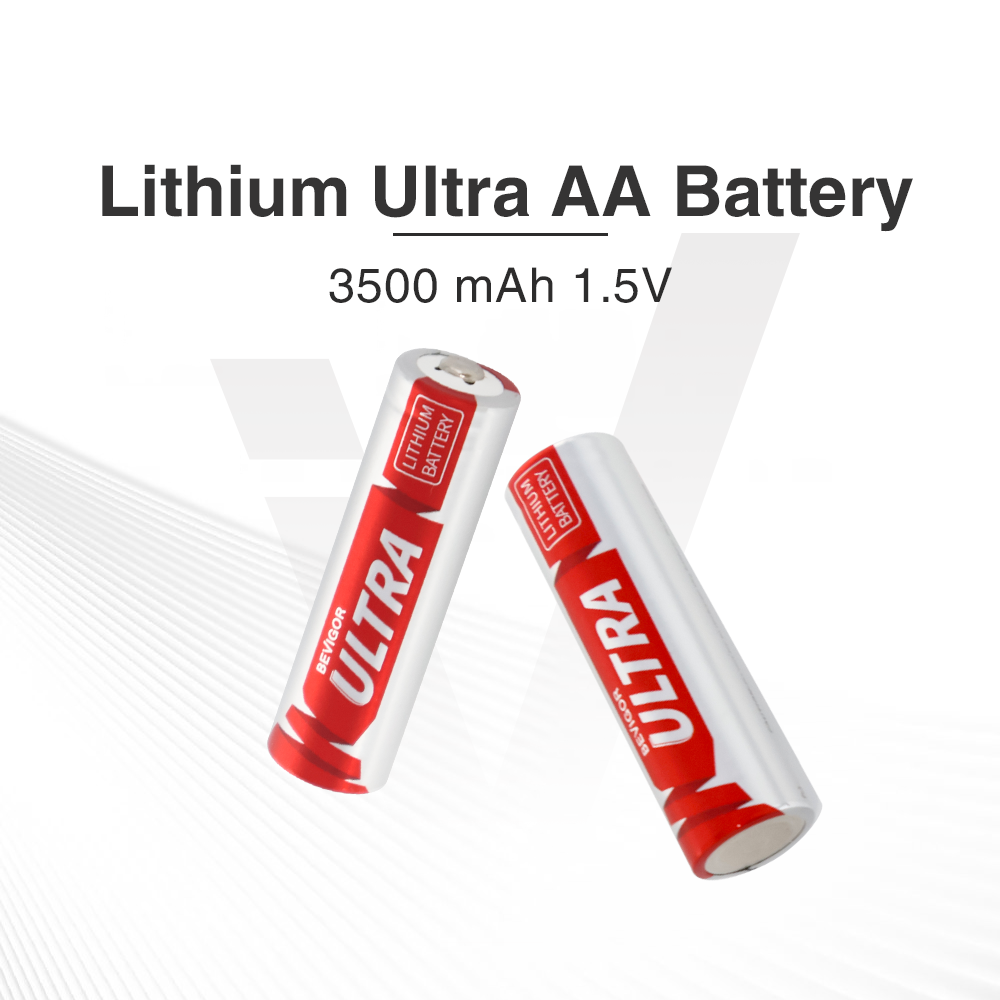
If your manual permits 1.5V non-rechargeable lithium AA cells as backup, BEVIGOR's 3000mAh AA lithium batteries are one option to evaluate against the exact requirements. This is not a universal trail-camera compatibility claim.
Run a Preseason Soak Test
Do not make opening morning the first real test. Assemble the exact field system at home or at an accessible outdoor location.
- Charge the solar pack as directed.
- Install approved backup batteries if required.
- Update and configure the camera according to its manufacturer.
- Format or verify the memory card as instructed.
- Mount the camera and panel at realistic angles.
- Trigger daytime and nighttime captures.
- For a cellular camera, confirm successful uploads from representative signal conditions.
- Let the system run for at least seven days, including cloudy conditions if possible.
- Record external-power status, solar strength, stored-battery indication, capture count, upload count, and backup-battery status.
- Inspect for connector movement, water entry, cable abrasion, or unexplained charge loss.
A short test cannot reproduce an entire season, but it can reveal wrong adapters, reversed placement priorities, weak sun, excessive false triggers, and a pack that never recovers after normal overnight use.
The BEVIGOR hunting-season trail camera checklist covers the complementary SD-card, trigger-zone, night-image, cellular, and logging checks.
Build a Failure-Mode Plan
A reliable hunting setup assumes components can fail.
| Failure mode | Early sign | Response |
|---|---|---|
| Panel shaded or covered | Solar-strength indicator falls; stored charge trends down | Clear permitted obstructions, correct angle, or move the panel |
| Camera load exceeds collection | Charge declines despite some sun | Reduce false triggers and unnecessary transmission demand without compromising coverage |
| Loose or wet connector | External-power status appears intermittently | Power down and inspect according to the manufacturer; replace damaged parts |
| Cable damage from animals or abrasion | Visible marks or sudden power loss | Replace the approved cable and improve protected routing |
| Internal pack starts season undercharged | Rapid early decline | Precharge using the specified method before redeployment |
| Cold or snow reduces performance | Slower recovery and falling reserve | Shorten service interval and use the approved backup strategy |
Do not wait for a full outage to act. A downward trend over several remote status reports is more useful than a single “OK” indicator.
Hunting-Season Maintenance Schedule
Before deployment
- Confirm model-level compatibility and warranty implications.
- Fully charge and bench-test the solar battery system.
- Install approved backup power if required.
- Clean the panel with the method specified by its manufacturer.
- Verify cable seals, locks, mounts, and strain relief.
- Record starting status and settings.
After the first week
- Confirm the stored charge recovers after overnight use.
- Review false-trigger count and cellular delivery.
- Check whether leaves or shadows cover the panel during its solar window.
During the season
- Review remote battery and external-power indicators when available.
- Inspect after major storms, heavy snow, falling limbs, or unexplained offline events.
- Keep visits purposeful to limit disturbance, but do not let the desire for zero visits override equipment warnings.
For cold deployments, review BEVIGOR's explanation of how cold affects lithium AA battery performance. Temperature can affect both a solar pack's rechargeable battery and any AA fallback, but the applicable limits come from each product's manual.
When Solar Makes Sense—and When It Does Not
A trail camera solar panel with a battery is a strong candidate when:
- The exact camera and panel are documented as compatible.
- The site receives a repeatable solar window.
- Cellular or high-activity operation makes service visits frequent.
- The panel can be aimed independently of the camera.
- Remote power status can be monitored.
- An approved fallback covers short solar deficits.
Stay with a conventional manufacturer-approved battery setup, or choose a different site, when:
- Compatibility depends on an improvised connector or voltage assumption.
- Dense shade leaves little usable sun during the actual season.
- Snow or access prevents panel maintenance.
- The installation cannot protect its cable and connectors.
- The camera load repeatedly exceeds the panel's recovery ability.
- A low-cost camera site is checked often enough that solar adds complexity without reducing meaningful work.
BEVIGOR's lithium-versus-alkaline trail camera guide can help evaluate a conventional AA fallback when the camera manual allows both chemistries.
Frequently Asked Questions
Will a solar panel charge the AA batteries inside my trail camera?
Not necessarily. Some solar packs charge only their own internal battery and supply the camera through its external-power port. Browning explicitly says its referenced pack does not charge the camera's installed batteries. Follow the instructions for the exact combination.
Can a solar trail camera run at night?
Yes, if its charged internal battery or another approved storage source has enough usable energy. The panel collects energy in suitable light; the battery bridges darkness and low-sun periods.
Should I remove the trail camera's internal batteries?
Only when the camera and solar accessory instructions allow operation without them. Some manufacturers recommend internal backup batteries, while some compatible systems can operate from the solar pack alone.
Does a larger solar panel guarantee reliable power?
No. Panel output must be compatible with the camera system, and actual collection depends on sun, angle, shade, weather, controller behavior, and cable losses. Camera demand must also remain within the system's energy budget.
Is solar reliable under a forest canopy?
It can be, but reliability is more conditional. Test solar strength and charge recovery at the actual site during the expected season. Partial shade may only slow the discharge rather than keep the battery full.
Do I still need to check a solar-powered trail camera?
Yes. Solar can reduce service visits, not eliminate inspections. Monitor charge trends and inspect after storms, snow, cable damage, unexpected offline periods, or changes in vegetation.




Aktie:
Blink Video Doorbell Battery Guide by Model: Type, Count, and Replacement