

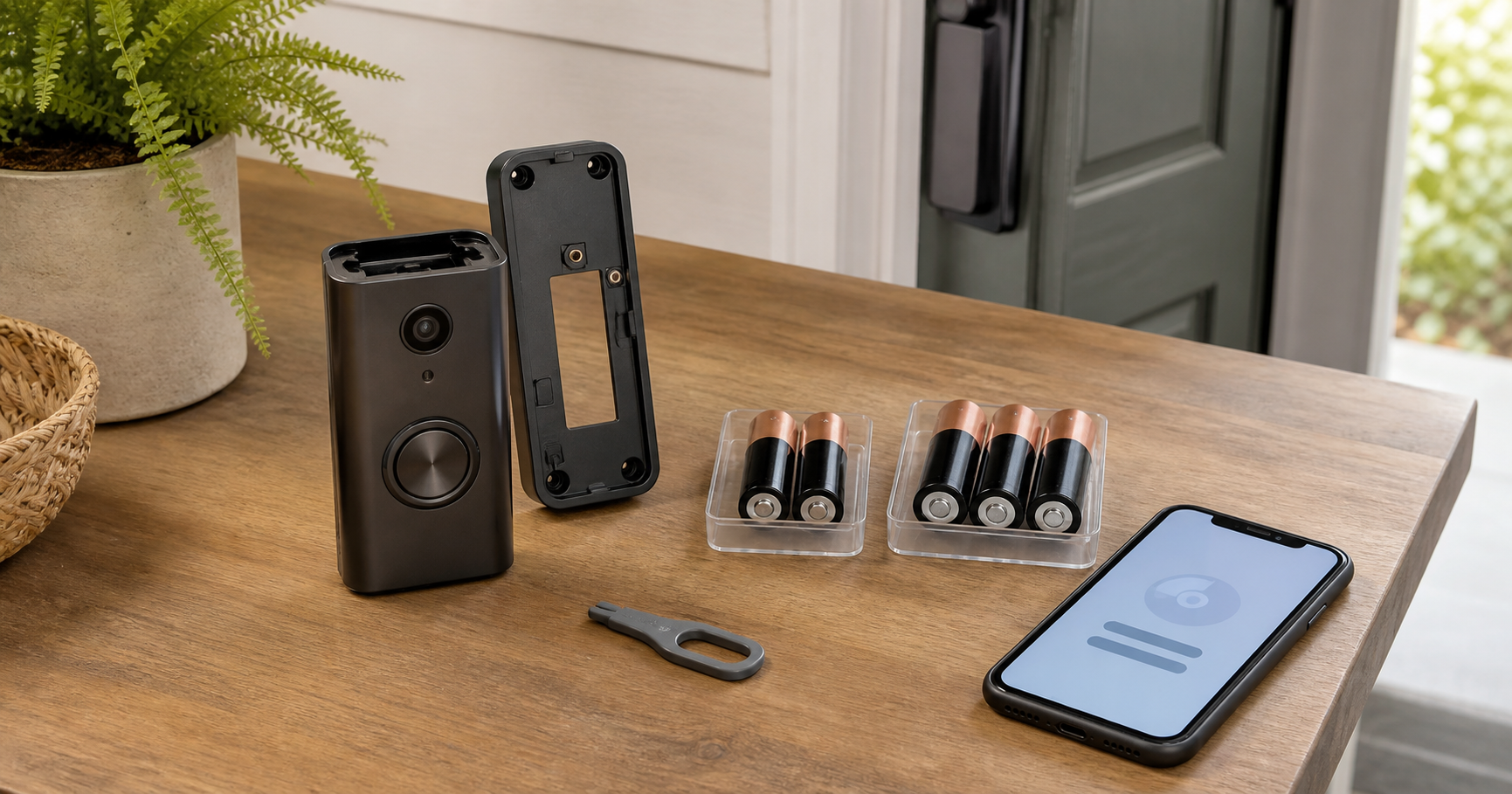
The correct Blink Video Doorbell battery depends on which model you own. Blink's current model comparison lists two Energizer AA 1.5-volt lithium non-rechargeable batteries for the original Blink Video Doorbell. The Blink Video Doorbell (2nd Gen) and Battery Doorbell 2K+ each use three Energizer AA 1.5-volt lithium non-rechargeable batteries. Batteries are required even when any of these models is connected to compatible doorbell wiring.
If your device is the Wired Doorbell 2K+, stop before buying batteries: that model is wired-only and does not use batteries. Confirm the full product name in the Blink app or on the device rather than relying on “2K+” alone.
Identify the model before buying or installing batteries. The cell count is an immediate clue, but confirm the model name in the Blink app, packaging, or device information. Do not assume every product called a “Blink doorbell” has the same battery requirement.
Quick Compatibility Table
| Device | Required batteries | Wiring | Sync Module |
|---|---|---|---|
| Original Blink Video Doorbell | Two Energizer AA 1.5V lithium non-rechargeable batteries | Batteries still required; compatible wiring can operate an in-home chime and may extend battery life | Optional; without one, the device uses Event Response with limited on-demand functions |
| Blink Video Doorbell (2nd Gen) | Three Energizer AA 1.5V lithium non-rechargeable batteries | Batteries still required | Required for setup and operation |
| Blink Battery Doorbell 2K+ | Three Energizer AA 1.5V lithium non-rechargeable batteries | Batteries still required; compatible wiring can operate an in-home chime | Required for setup and operation |
| Blink Wired Doorbell 2K+ | No batteries | Wired-only | Not required |
These details come from Blink's current support pages for the original Video Doorbell battery installation, Video Doorbell (2nd Gen) battery installation, and Battery Doorbell 2K+ FAQ. Recheck Blink Support if your app shows a different product name or a newer model.
What Batteries Does a Blink Video Doorbell Use?
The three battery-powered models covered here use AA-size, 1.5-volt, lithium, non-rechargeable batteries. The Wired Doorbell 2K+ is the exception because it uses no batteries. For the battery-powered products, each part of the battery description matters:
- AA identifies the physical size.
- 1.5 volt is the required nominal voltage on the label.
- Lithium identifies the specified chemistry category.
- Non-rechargeable means the cells are primary batteries and must never be placed in a charger.
- Two or three cells depends on the doorbell model.
- Energizer is named in Blink's current model comparison for all three battery-powered doorbells and in the installation instructions for the two newer models.
Do not substitute alkaline, 1.2V NiMH rechargeable, or rechargeable lithium AA batteries merely because they fit the compartment. Blink's instructions specify non-rechargeable lithium cells. The BEVIGOR Blink rechargeable-battery guide explains why AA size alone does not establish voltage, chemistry, or rechargeability.
First, Identify Which Doorbell You Have
Use more than appearance when possible.
- Open the Blink app and check the device name and information screen.
- Review the original order, packaging, or setup documentation.
- After following the safe removal instructions, count the battery positions: two identifies the original model, while three means you still need to distinguish the 2nd Gen from the Battery Doorbell 2K+. A Wired Doorbell 2K+ has no replacement-battery compartment.
- Check whether your system requires a Sync Module. The 2nd Gen and Battery Doorbell 2K+ require one; the original model can operate without one in Event Response mode.
If those signals conflict, contact Blink Support with the device serial number before choosing batteries.
Before Replacing the Batteries
Prepare the correct complete set, the release key supplied with the doorbell, and a dry work area. Keep children and pets away from loose cells.
If the doorbell is hardwired, Blink warns that live current can be present at the mounting contacts. Turn off power to the doorbell chime at the circuit breaker before removing the device or opening the battery area. If you are unsure which breaker controls the circuit or are uncomfortable working near doorbell wiring, use a qualified electrician.
Also check the replacement cells before installation:
- All cells are the same required type and from one fresh set.
- Wrappers and terminals are clean and undamaged.
- The label says AA, 1.5V, lithium, and non-rechargeable.
- The batteries are within any date marked by the manufacturer and have been stored according to the label instructions.
- There is no swelling, leakage, corrosion, or unusual heat.
Do not combine an old cell with new cells. A multi-cell device should receive a complete matched replacement set.
How to Change Blink Video Doorbell Batteries
The exact mounting plate can vary, so keep the Blink app or official instructions available while working.
1. Switch off chime-circuit power if wired
Turn off the appropriate circuit breaker before touching a hardwired doorbell. This step applies even though the device normally operates from its AA batteries.
2. Release the doorbell from its mounting plate
Insert the supplied release key straight into the slot at the bottom until the catch releases. Pull the doorbell away as directed for its mounting plate. Blink documents a slightly different pivoting motion for some original two-hole plates; do not pry against the housing.
If the release key is missing, Blink directs owners to contact Blink Customer Service for a replacement. Avoid improvised metal tools around energized contacts.
3. Open the battery compartment
Turn the device over. Lift the battery-cover latch and set the weather-resistant cover aside where its tabs and seal will not be damaged.
4. Remove the complete old set
Note the positive (+) and negative (−) markings before removing the cells. Take out every battery. Do not leave one older battery installed to pair with fresh replacements.
5. Install the model-correct fresh set
Align every positive and negative terminal with the compartment markings. Install two Energizer cells meeting Blink's stated specification in the original model, or three in the 2nd Gen or Battery Doorbell 2K+. Never recharge or reinstall a damaged primary lithium cell.
6. Close, remount, and restore power
Fit the cover tabs into their slots and press until the latch clicks. Align the doorbell with the mounting plate and press it into place until secure. Restore circuit-breaker power if it was switched off.
7. Test the doorbell
Press the doorbell button and check the Blink app. For a wired setup, also confirm the intended in-home chime behavior. Then verify motion settings, notifications, Live View, and clip storage.
Setup Checks After Battery Replacement
Confirm the battery status in the app
Open the device settings and review the battery indicator. The app may report a general state rather than a precise percentage. If a low-battery warning remains immediately after installing the correct fresh set, recheck polarity, battery labels, terminal cleanliness, and whether all cells came from the same set before considering a reset or device removal.
Do not delete and re-add the device as a routine first step. Removing equipment from an account can disrupt system settings and clip access. Follow Blink's model-specific troubleshooting or contact Blink Support if basic physical checks do not resolve the alert.
Verify the Sync Module requirement
The original Video Doorbell does not require a Sync Module, although connecting one expands on-demand functionality and can improve the operating configuration. Without one and without wiring, the original model operates in Event Response mode.
The Blink Video Doorbell (2nd Gen) setup guide states that a Sync Module is required. Blink also requires a Sync Module for the Battery Doorbell 2K+. Set up the module in the Blink app before adding either newer doorbell.
Check Wi-Fi and Sync Module signal paths
Confirm the doorbell is online and that its signal indicators are acceptable in the Blink app. Distance, walls, metal, and other obstructions can affect communication. Follow Blink's placement guidance instead of assuming a battery fault whenever the doorbell goes offline.
Review activity-heavy settings
Battery life varies with settings, usage, configuration, Wi-Fi conditions, and the environment. Frequent motion events, long clips, repeated Live View sessions, and two-way audio can increase energy use. Adjust only settings that still meet the household's security needs; saving battery should not make the coverage ineffective.
Verify wired-chime behavior separately
Wiring does not eliminate the batteries. On the original model, Blink states that compatible 16–24V AC chime wiring can sound the in-home chime and extend battery life. The 2nd Gen and Battery Doorbell 2K+ also require their three-cell battery sets when wired. Because wiring requirements differ by model and region, verify the exact voltage range in the current setup guide before connecting a transformer or chime. Treat chime operation, network connection, and battery condition as separate checks.
How Long Should the Batteries Last?
Blink publishes an up to two-year estimate for the original Video Doorbell and Video Doorbell (2nd Gen) under stated configurations and typical or default use, but it is not a fixed replacement interval. The current 2nd Gen technical specifications explicitly say that customized settings, usage, and environmental conditions can affect performance.
For the Battery Doorbell 2K+, Blink currently lists estimates of up to 16 months at Best video quality, 19 months at Standard, and 22 months at Saver under default settings and typical use. Those figures are model-specific estimates, not guarantees. Activity frequency, clip length, infrared use, temperature, signal quality, and other settings can change actual service life.
Use the app alert and your own maintenance record rather than a calendar promise. Write down the installation date, battery type, configuration, and any major setting changes. If one set lasts much less time than the previous set, review event volume, Live View use, Wi-Fi or Sync Module signal, temperature exposure, and battery condition before concluding that the device is defective.
Check the Battery Label Before Buying
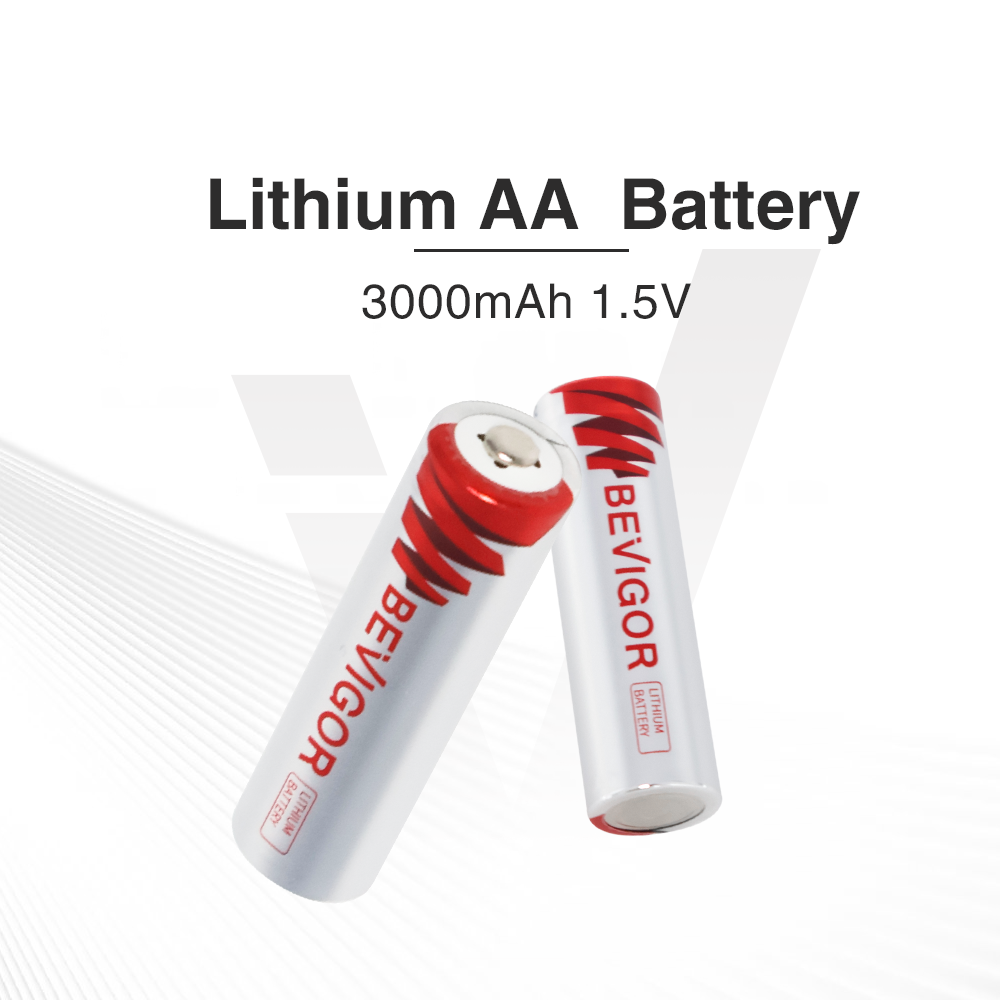
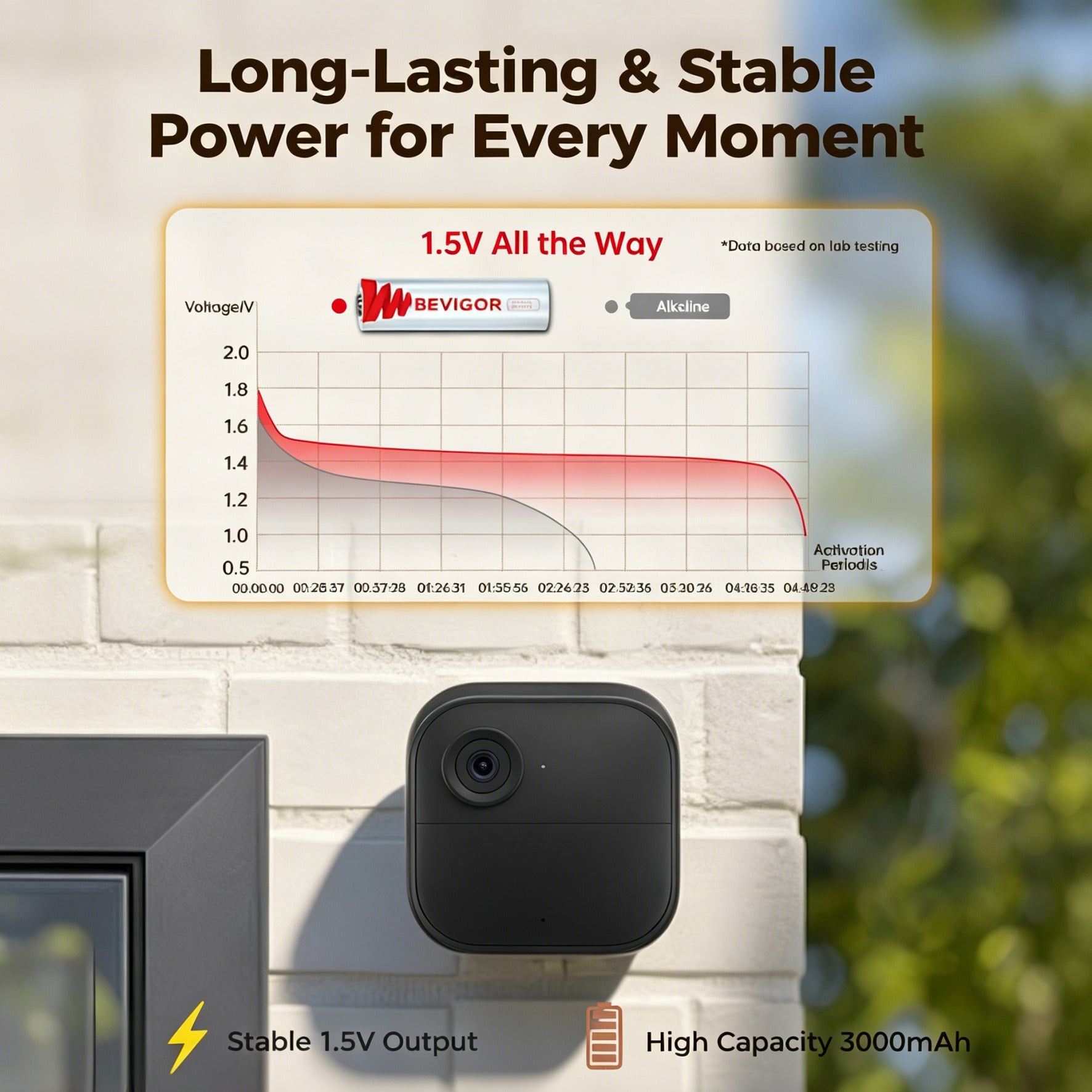
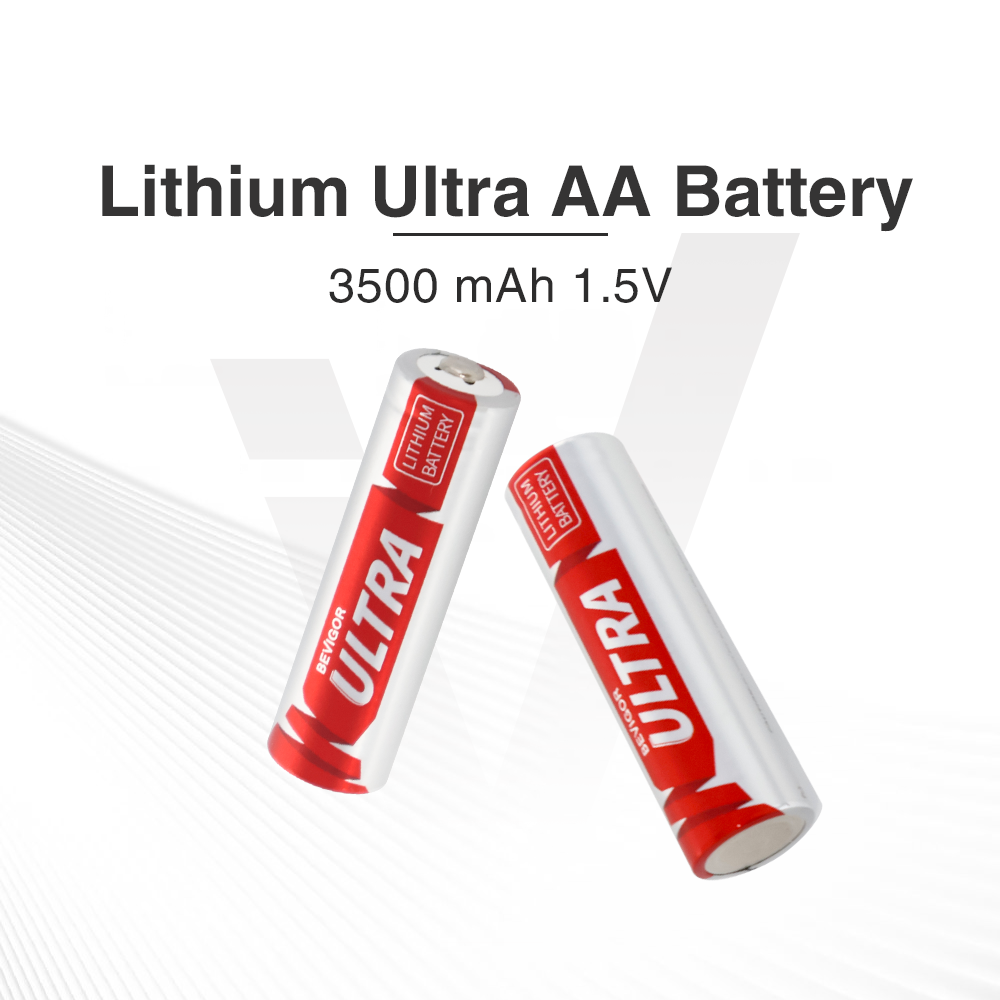
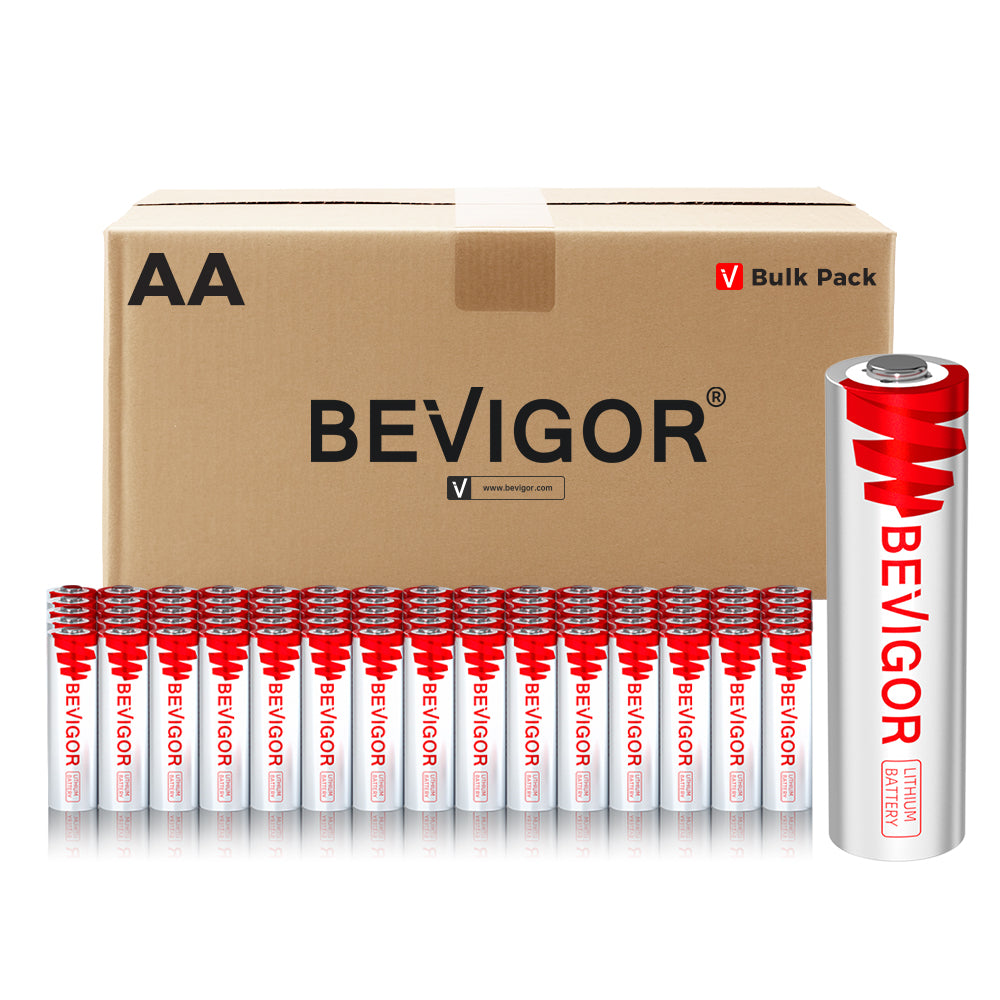
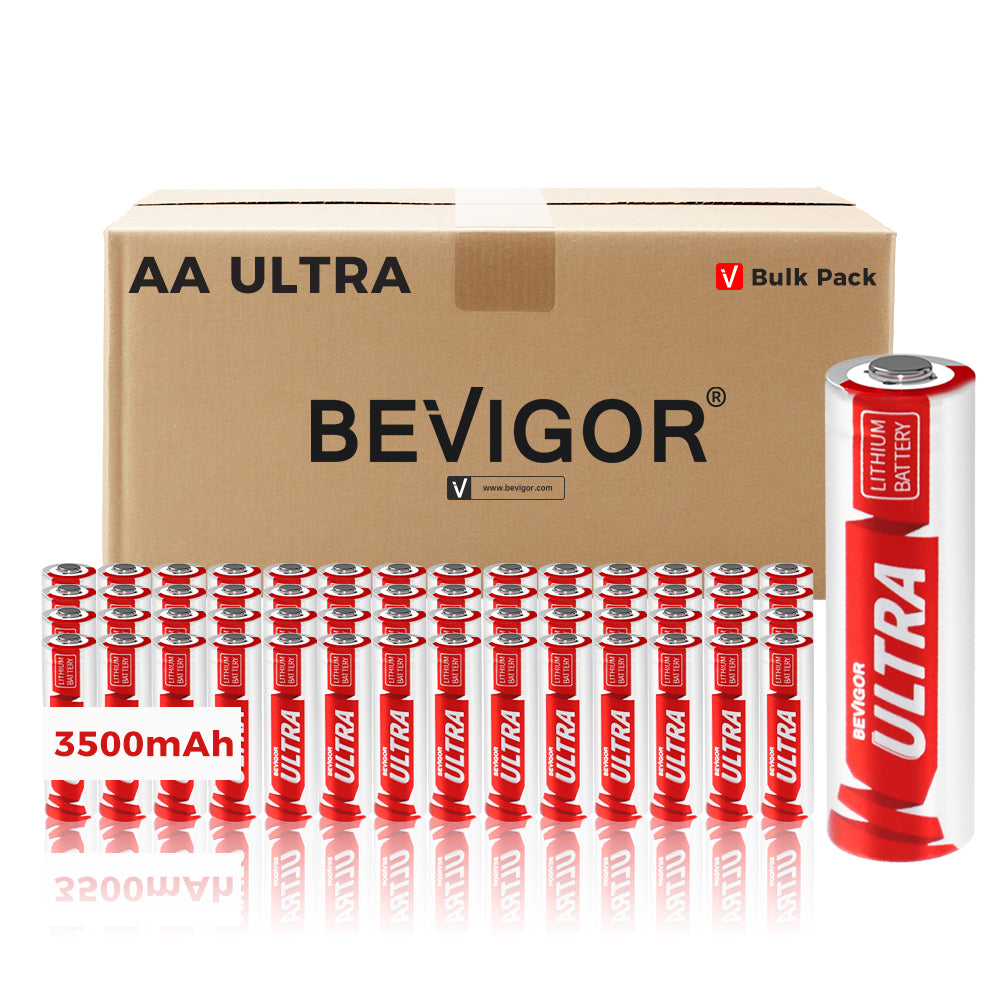
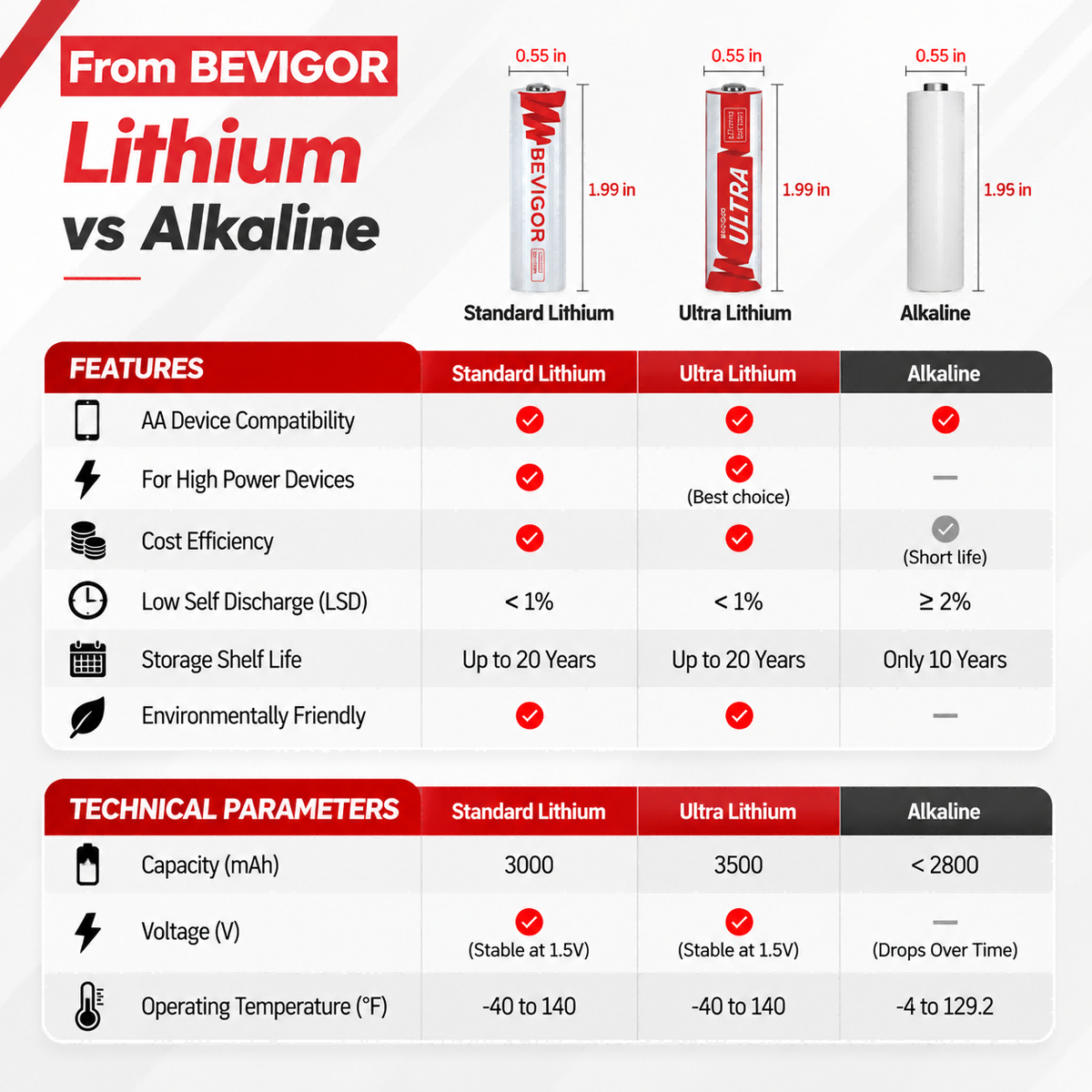
BEVIGOR's 3000mAh AA lithium product is labeled AA, 1.5V, lithium, and non-rechargeable. These details can be compared with a doorbell's requirements, but they do not establish device compatibility or Blink approval.
For a detailed label, chemistry, capacity, and pack-size comparison, use BEVIGOR's video doorbell AA battery buying guide. Blink currently names Energizer batteries for its three battery-powered doorbells; follow the official requirement for your exact model. The Wired Doorbell 2K+ does not use batteries. BEVIGOR is not affiliated with, endorsed by, or certified by Blink or Amazon.
Handle Removed Batteries Correctly
Keep removed cells separate from fresh inventory. Do not recharge, crush, puncture, burn, or place loose batteries where their terminals can touch metal. Disposal and recycling rules depend on chemistry and location.
The US EPA used-household-battery guide provides a current national overview. Follow the battery label and your local or state solid-waste authority's instructions, especially for leaking, damaged, or unusually hot cells.
Final Replacement Checklist
Before finishing, confirm:
- Exact Blink doorbell model identified
- Wired Doorbell 2K+ excluded from battery replacement
- Correct two- or three-cell requirement and exact three-cell model identified
- AA 1.5V lithium non-rechargeable labels verified
- Blink's current specified battery brand followed for the exact model
- Hardwired chime circuit switched off during removal and restored afterward
- All batteries replaced as one fresh matched set
- Polarity correct and battery cover latched
- Doorbell securely remounted
- Button press, app status, notifications, and intended chime behavior tested
- Sync Module requirement and signal checked
- Old cells separated for chemistry-appropriate recycling or disposal
Frequently Asked Questions
Do hardwired Blink doorbells still need batteries?
It depends on the model. The original Video Doorbell, Video Doorbell (2nd Gen), and Battery Doorbell 2K+ still require their AA battery sets when connected to compatible doorbell wiring. The separate Wired Doorbell 2K+ is wired-only and does not use batteries.
Does the Blink Wired Doorbell 2K+ need batteries?
No. The Wired Doorbell 2K+ is a wired-only model and has no replacement batteries. Do not confuse it with the Battery Doorbell 2K+, which uses three Energizer AA lithium non-rechargeable batteries even when connected to compatible wiring.
Can I use rechargeable AA batteries in a Blink Video Doorbell?
Blink specifies 1.5V lithium non-rechargeable batteries for the models covered here. Do not substitute rechargeable NiMH or rechargeable lithium AA cells simply because they fit.
Why does one Blink doorbell use two batteries and another use three?
They are different generations. Blink's current comparison lists two Energizer AA lithium non-rechargeable cells for the original Video Doorbell, while the Video Doorbell (2nd Gen) and Battery Doorbell 2K+ each use three. The two newer products are still different models, so confirm the name in the app or device information before purchasing replacements.
Should I reset the doorbell after changing batteries?
Not routinely. First check battery type, polarity, matched-set installation, terminals, app status, network connection, and Sync Module requirements. Use model-specific Blink troubleshooting before removing and re-adding the device.
Is two years of Blink doorbell battery life guaranteed?
No. “Up to two years” is a conditional manufacturer estimate for the original Video Doorbell and 2nd Gen. Blink gives the Battery Doorbell 2K+ separate estimates of up to 16–22 months depending on video quality. Actual results vary with model, configuration, settings, activity, network conditions, environment, and battery condition.






Aktie:
Can You Use Rechargeable Batteries in a Trail Camera? Compatibility Checklist
Trail Camera Solar Panel With Battery: Is It Reliable for Hunting Season?