

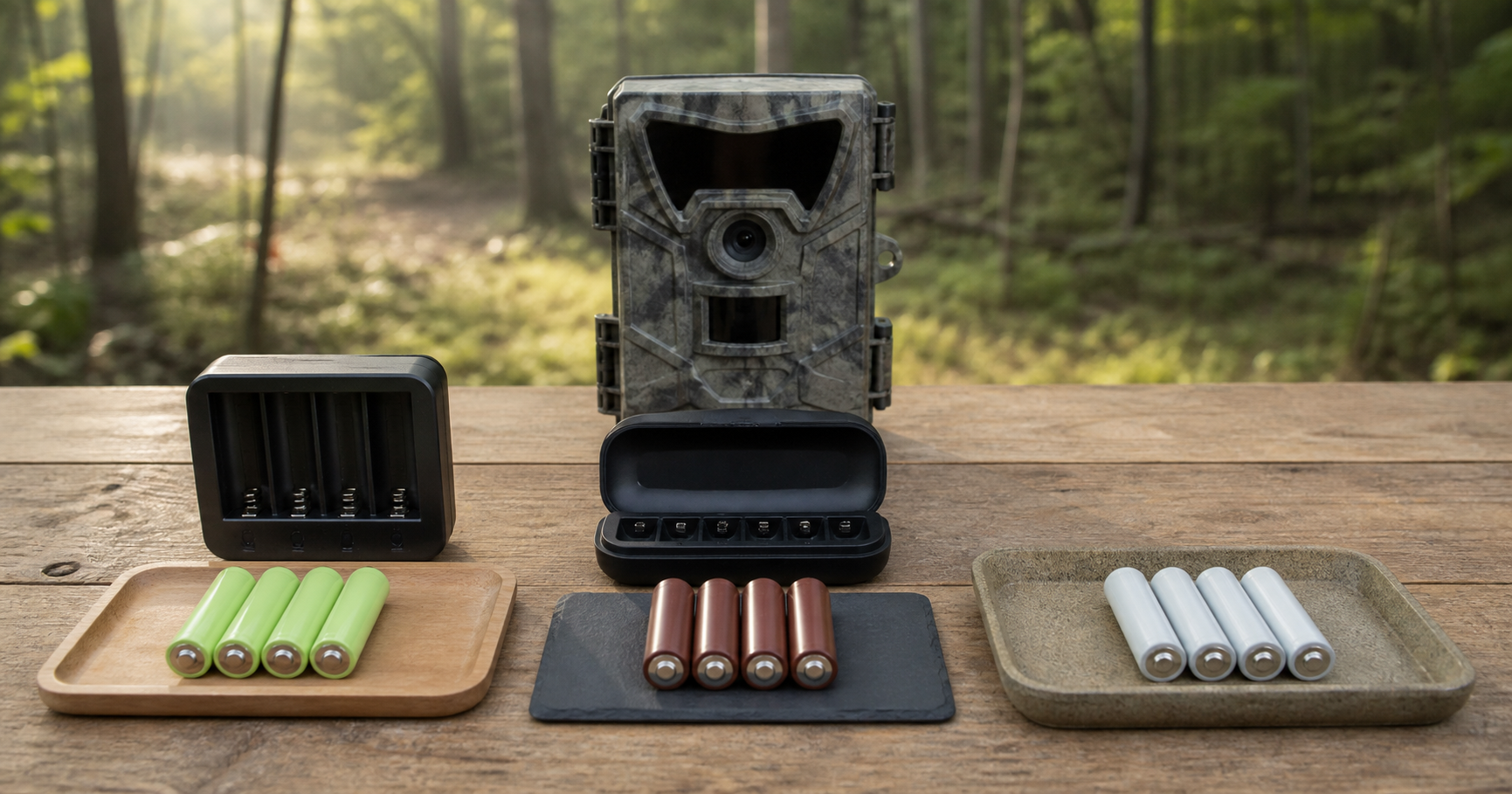
You can use rechargeable batteries in a trail camera only when the manufacturer’s current instructions for your exact model permit that battery chemistry, voltage, and form factor. Some trail cameras explicitly support NiMH AA cells or a model-specific rechargeable pack. Others warn against rechargeable AAs because their voltage or discharge behavior may cause operational problems.
Do not decide from physical fit alone. A rechargeable AA may slide into the compartment and power the camera briefly without matching the camera’s documented requirement. Use the checklist below before deploying a trail camera with rechargeable batteries.
The Short Compatibility Checklist
Confirm every item before installation:
- Exact camera brand, model, and generation
- Permitted battery size and cell count
- Permitted chemistry: NiMH, regulated rechargeable lithium, proprietary lithium-ion pack, alkaline, or primary lithium
- Required nominal voltage for each cell or pack
- Battery-type setting in the camera menu, if available
- Approved charging method and charger
- Operating and charging temperature limits
- Whether the battery meter is designed for that chemistry
- Whether the manual requires a complete matched set
If the manual prohibits the rechargeable type or does not clearly allow it, choose a listed battery option or ask the camera manufacturer. Temporary operation is not the same as compatibility.
Why the Answer Changes by Trail Camera Model
Trail cameras do not share one universal power design. Their cutoff voltage, battery meter, infrared flash, cellular modem, internal regulation, and firmware may be designed around different batteries.
The contrast between manufacturer instructions makes this clear. A current SPYPOINT FORCE-PRO manual says not to use rechargeable AA batteries because their lower voltage can cause operational issues; it lists alkaline or lithium AA cells and an optional rechargeable 12V battery system instead. SPYPOINT’s current FLEX setup guidance also says rechargeable AAs will not work in that model family and points owners to a model-specific rechargeable lithium pack.
By contrast, RECONYX currently lists its NiMH AA battery pack as compatible with its HyperFire, MicroFire, and UltraFire camera series. That manufacturer-specific support does not extend to other RECONYX models or other trail-camera brands.
The takeaway is not that one brand’s rule applies to another. It is that the exact manual controls the decision.
If you are also deciding between internal AA batteries and an external power source, see our trail camera battery pack vs. AA battery guide.
Know Which Rechargeable Battery You Have
“Rechargeable AA” describes several electrically different products. Read the individual cell label and charging instructions rather than relying on the AA shape.
| Battery category | Common label clues | Rechargeable? | Compatibility question |
|---|---|---|---|
| NiMH AA | AA, NiMH, commonly 1.2V | Yes | Does the exact camera explicitly permit NiMH or 1.2V rechargeable AA cells? |
| Regulated rechargeable lithium AA | AA, rechargeable lithium, often regulated to 1.5V | Yes | Does the manual permit this rechargeable type, not merely a 1.5V label? |
| Lithium-ion 14500 | Often 3.6V or 3.7V Li-ion on the cell label | Yes | A voltage above a 1.5V AA requirement is not compatible; do not use based on size. |
| Proprietary camera pack | Model-specific pack number and charger | Yes | Is the exact pack approved for the exact camera model? |
| Primary lithium AA | AA, 1.5V, non-rechargeable lithium | No | Use only when listed by the camera maker; never place it in a charger. |
These are categories, not guarantees that all products within a category behave identically.
NiMH AA Batteries: Why 1.2V Matters
Many common NiMH AA cells carry a 1.2V nominal rating. Panasonic’s current eneloop specifications, for example, list 1.2V for its standard AA NiMH battery.
That lower nominal voltage does not make NiMH unsuitable for every trail camera. A camera designed for NiMH can account for its voltage and discharge curve, and some models include a battery-type setting. However, a camera designed around a different input may show an early low-battery warning, reduce night performance, restart during a high-load event, or shut down sooner than expected. The exact symptom depends on the camera and conditions.
If the manual lists NiMH:
- Use the required number of fully charged, matched cells.
- Select the NiMH battery setting if the camera provides one.
- Use a charger specified for those NiMH cells.
- Test daytime, nighttime, video, and transmission functions before deployment.
- Expect the displayed battery percentage to be accurate only if the camera’s meter supports that chemistry.
Do not use a brief successful power-on as the entire test. Infrared illumination, video recording, and cellular uploads can place a higher load on the power system than the setup screen.
Regulated 1.5V Rechargeable Lithium AA Batteries
Some rechargeable lithium AA products use internal electronics to regulate output near 1.5V. That can make the voltage label look similar to a primary lithium or alkaline AA, but the products are not electrically identical.
Regulated rechargeable cells can have different cutoff behavior, state-of-charge reporting, protection circuits, and charging requirements. When the internal battery is nearly depleted, a regulated cell may stop output more abruptly than a chemistry with a gradually declining voltage. A trail camera’s battery meter may therefore remain high and then drop quickly, depending on how the camera interprets the output.
BEVIGOR currently offers a 1.5V rechargeable lithium AA kit. Its voltage and AA size do not establish compatibility with every trail camera. Use it only if the current instructions for the exact camera allow that rechargeable battery type, and charge it only with the specified BEVIGOR charging system.
Do Not Substitute a 14500 Cell for an AA Requirement
Some cylindrical lithium-ion cells are described by the 14500 size and may resemble an AA battery. Check the voltage printed on the cell. A 14500 labeled 3.6V or 3.7V does not match a camera requirement for a 1.5V AA cell and should not be installed merely because it appears to fit.
Higher voltage is not a performance upgrade when the device was not designed for it. It can exceed the intended electrical input. Follow the camera manufacturer’s battery list instead of improvising a substitution.
Battery Settings and Low-Battery Readings
If the camera menu includes alkaline, lithium, or NiMH selections, set it to the installed chemistry. This setting may affect how the camera estimates remaining energy or manages its cutoff behavior. Use only options described for your model; a menu label is not permission to use an unrelated battery type.
An unexpected low-battery reading with charged rechargeables can have several causes:
- The installed chemistry is not supported.
- The nominal voltage differs from the camera’s expected battery.
- The cells are not equally charged or have aged differently.
- The camera’s battery meter does not match the discharge curve.
- Cold temperature or a high-load event temporarily reduces available voltage.
- Cellular signal conditions, uploads, night illumination, or video settings increase demand.
If the warning persists, return to the documented battery type before assuming the camera is defective.
Cold Weather Does Not Override Compatibility
Battery performance changes with temperature, but a chemistry’s general cold-weather reputation does not override the camera manual. Check two sets of limits: the camera’s operating range and the battery maker’s operating and charging instructions.
Charging requires particular care. Never charge batteries below or above the limits provided by the battery and charger manufacturer. Allow equipment to reach an approved charging condition before connecting it, and stop using any battery that is swollen, leaking, damaged, unusually hot, or otherwise abnormal.
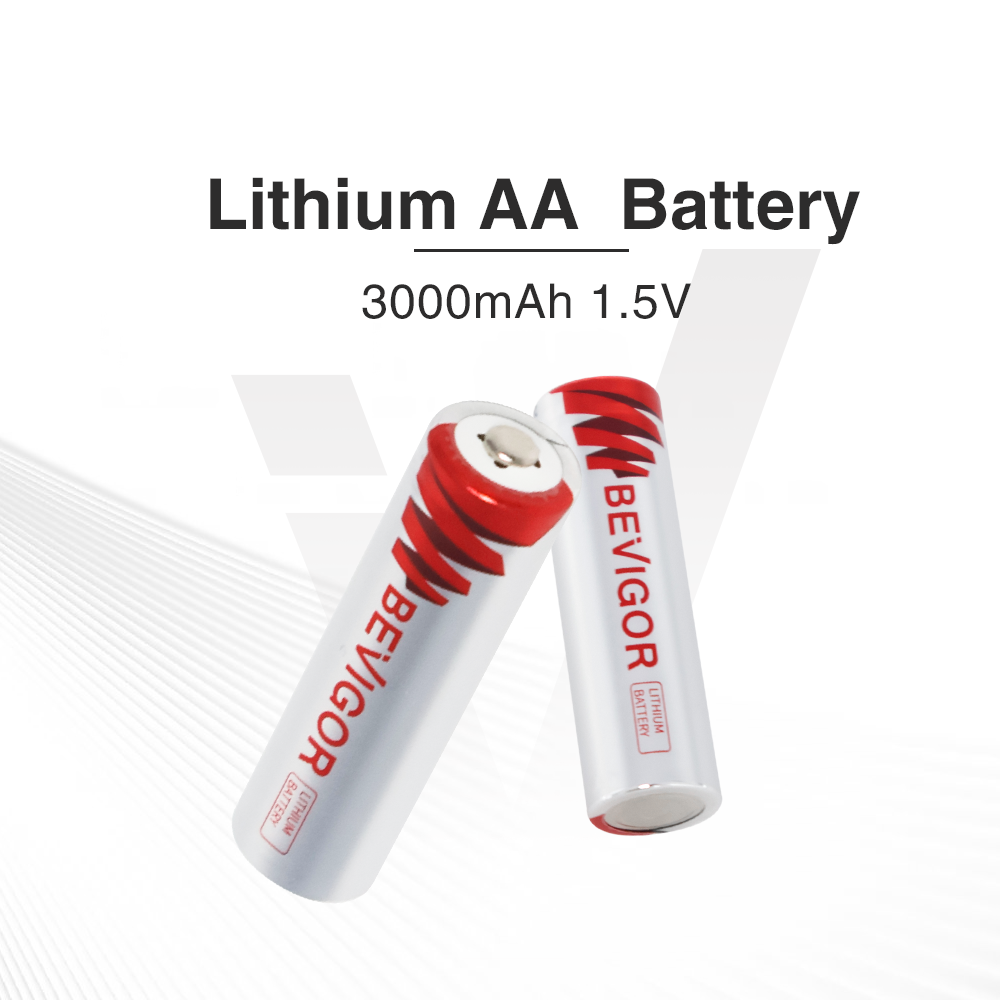
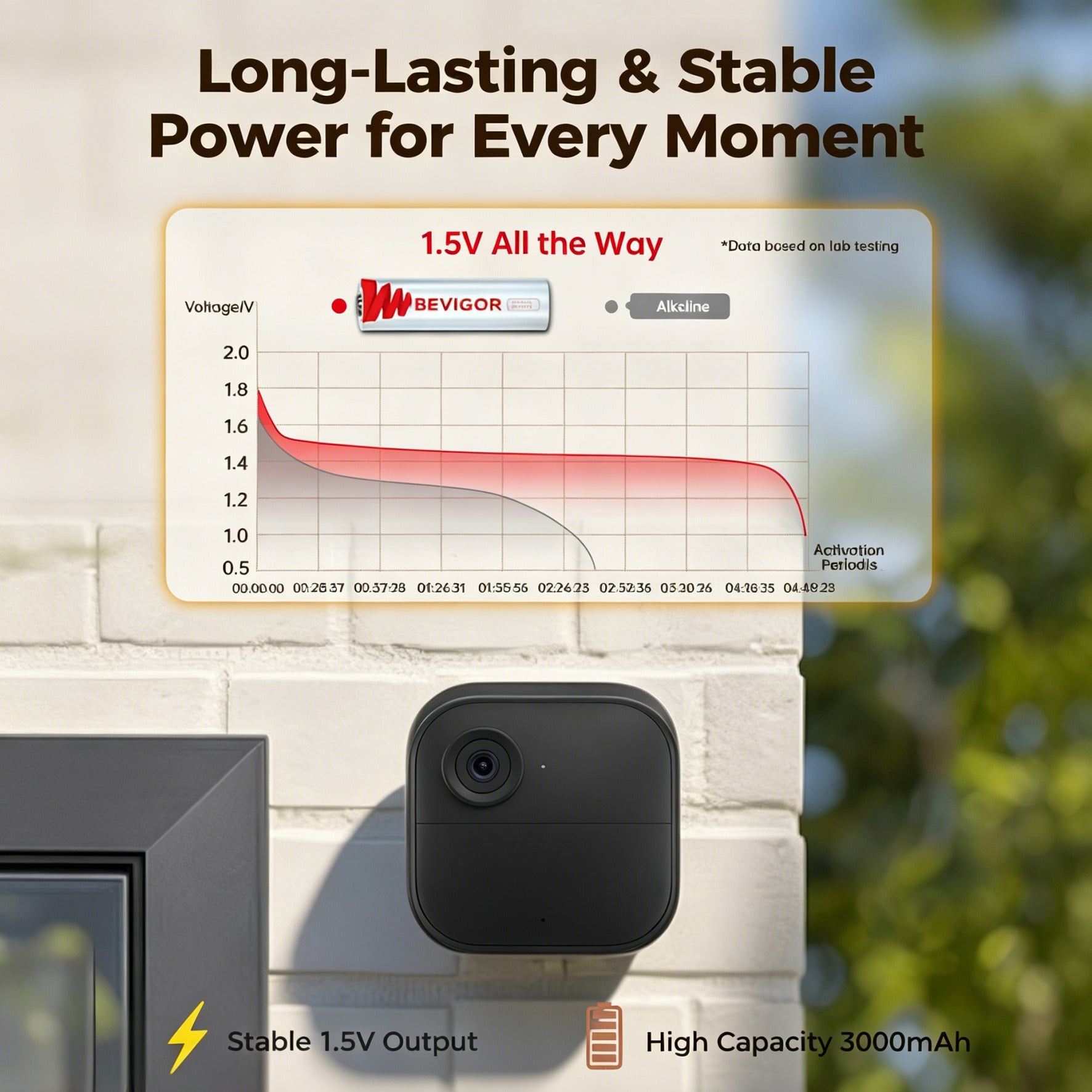
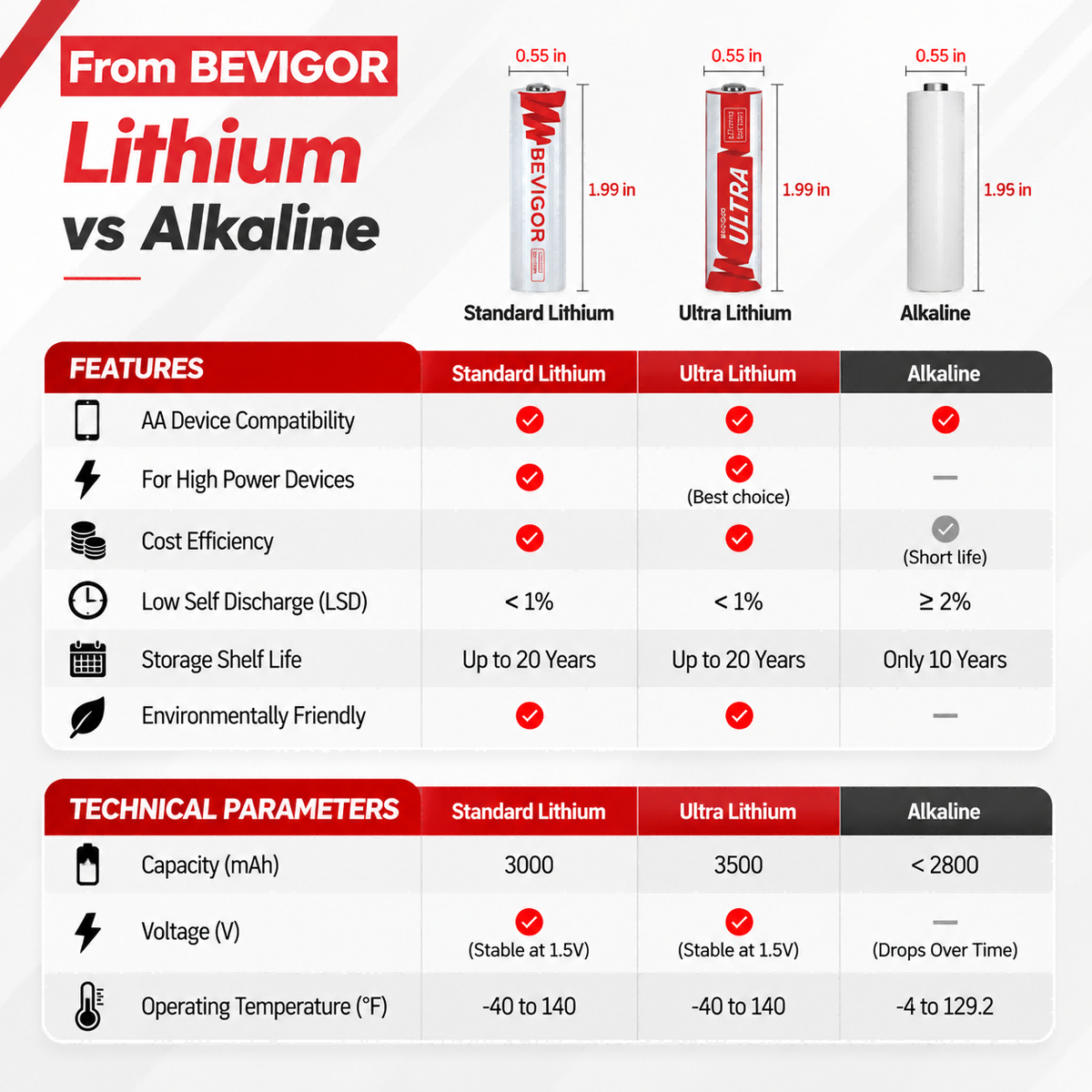
If your camera does not allow rechargeable AAs but does permit 1.5V non-rechargeable lithium AA cells, a primary option may be more appropriate for a remote or cold deployment. BEVIGOR’s 3000mAh lithium AA batteries are non-rechargeable and should be considered only after confirming the camera’s size, voltage, chemistry, and cell-count requirements.
How to Test an Approved Rechargeable Setup
1. Start with a matched set
Use cells of the same model, age, and charge state. Do not mix chemistries, rechargeable and non-rechargeable cells, old and new batteries, or different capacities in one camera.
2. Charge with the correct system
Use only the charger and procedure specified for the rechargeable battery. Never place a primary lithium or alkaline battery in a charger.
3. Check polarity and the compartment
Install every cell in the marked orientation. Confirm that the battery door closes normally and that the gasket and contact surfaces are clean and undamaged.
4. Run a realistic bench test
Test photos, night illumination, video, and—on cellular cameras—uploads. Use the field settings you intend to deploy, not only the default setup screen.
5. Begin with a short field interval
Revisit sooner than your eventual target. Review image count, battery status, missed check-ins, temperature, and cell condition before extending the service schedule.
The BEVIGOR trail-camera battery checklist adds SD-card, trigger, signal, spare-set, and field-log checks to this battery test.
When Rechargeable Batteries Make Sense
Rechargeable batteries can be practical when the camera explicitly supports them, the site is accessible for planned charging, and repeated use makes a rotation system worthwhile. Keep at least two complete matched sets per camera so one can be in service while the other is charged and inspected.
They may make less sense when the manual prohibits them, the site is difficult to revisit, cold-weather charging is hard to manage, or accurate remote battery reporting is essential. In those cases, use another battery or pack that the camera maker lists.
Final Answer
Can you use rechargeable batteries in a trail camera? Sometimes—but only with a model that permits the exact rechargeable chemistry and voltage. NiMH, regulated 1.5V rechargeable lithium AA cells, higher-voltage 14500 lithium-ion cells, and proprietary rechargeable packs are not interchangeable categories.
Read the exact manual, match every label, use the correct charger, select the appropriate camera setting, and test high-load functions before field deployment. If the documentation says no or remains unclear, do not treat physical fit or temporary operation as approval.
Frequently Asked Questions
Can I use 1.2V NiMH batteries in any trail camera?
No. Some trail cameras explicitly support NiMH, while others prohibit rechargeable AAs because the lower nominal voltage may cause operational problems. Check the exact model’s current manual.
Are 1.5V rechargeable lithium AA batteries compatible with trail cameras?
Only when the camera manufacturer allows that rechargeable type. A 1.5V label and AA shape do not account for regulated output, cutoff behavior, battery reporting, or charging requirements.
Why does my trail camera say low battery with charged NiMH cells?
The camera may not support NiMH or its battery meter may expect a different voltage curve. Cell age, unequal charge, cold temperature, night illumination, video, and cellular activity can also affect the reading.
Can I mix rechargeable and non-rechargeable batteries?
No. Use one complete matched set of the chemistry specified by the camera maker. Do not mix chemistries, old and new cells, brands, capacities, or substantially different charge levels.
Can I recharge primary lithium AA batteries?
No. A battery labeled non-rechargeable or primary must never be placed in a charger. Charge only batteries specifically marked rechargeable with the charging equipment specified by their manufacturer.






Aktie:
How to Buy AA Batteries in Bulk Without Overbuying
Blink Video Doorbell Battery Guide by Model: Type, Count, and Replacement