

Batteriewissen und Nachrichten
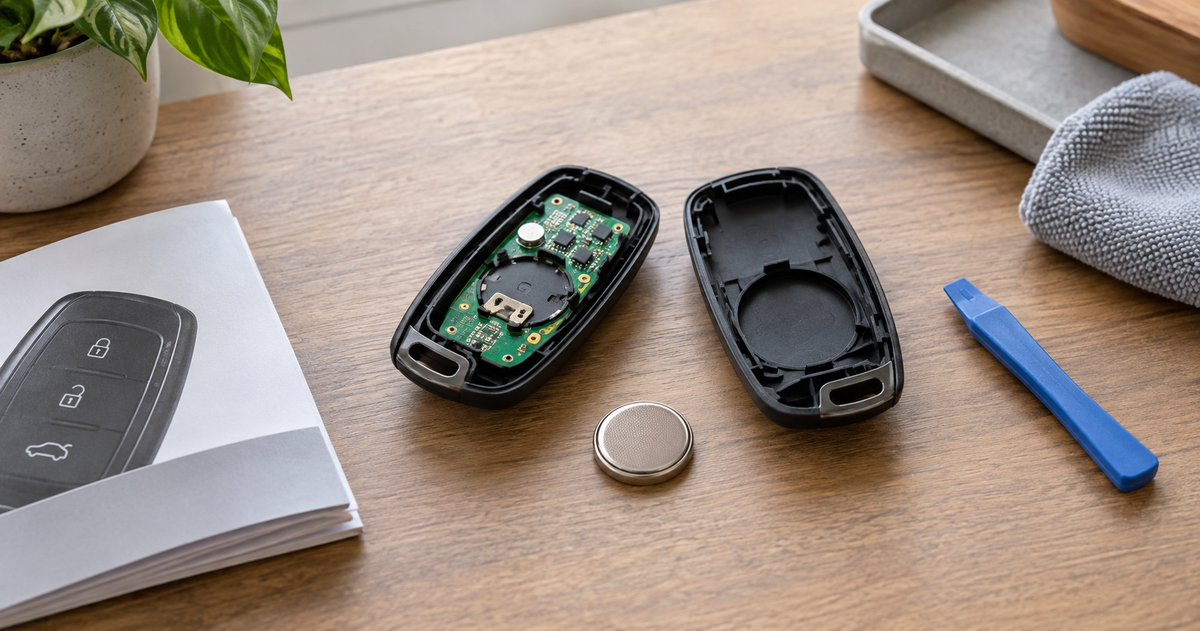
How to Change a Key Fob Battery: Find the Right Size and Model-Specific Steps
Weiterlesenüber How to Change a Key Fob Battery: Find the Right Size and Model-Specific Steps
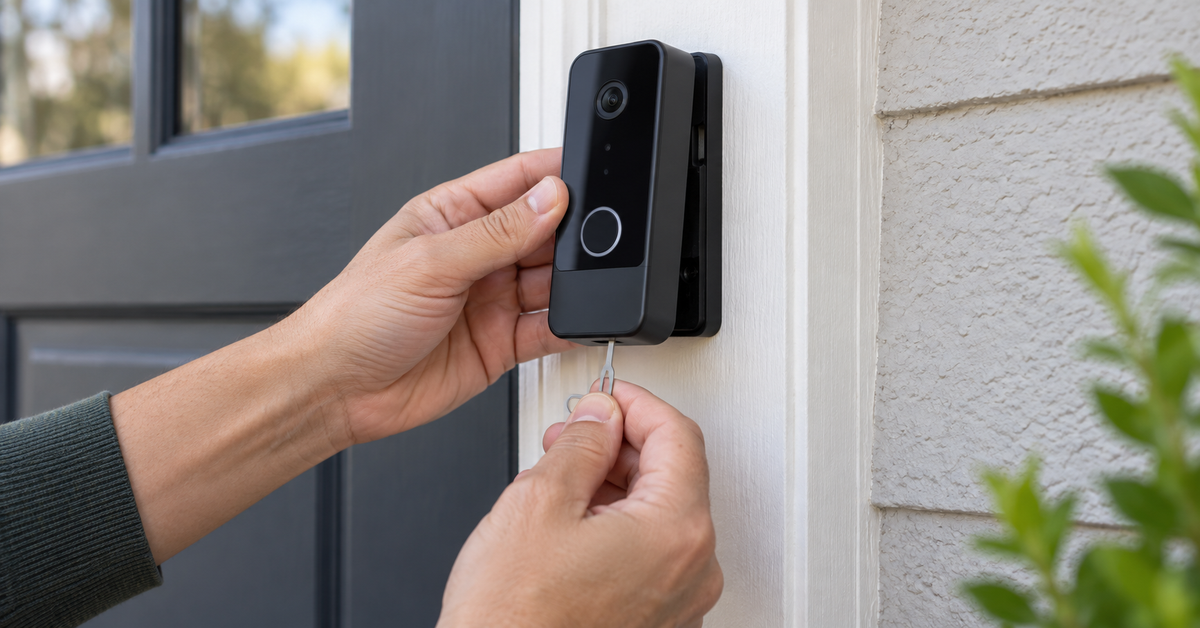
How to Remove a Blink Doorbell Safely: Mount, Wiring, and App
Weiterlesenüber How to Remove a Blink Doorbell Safely: Mount, Wiring, and App
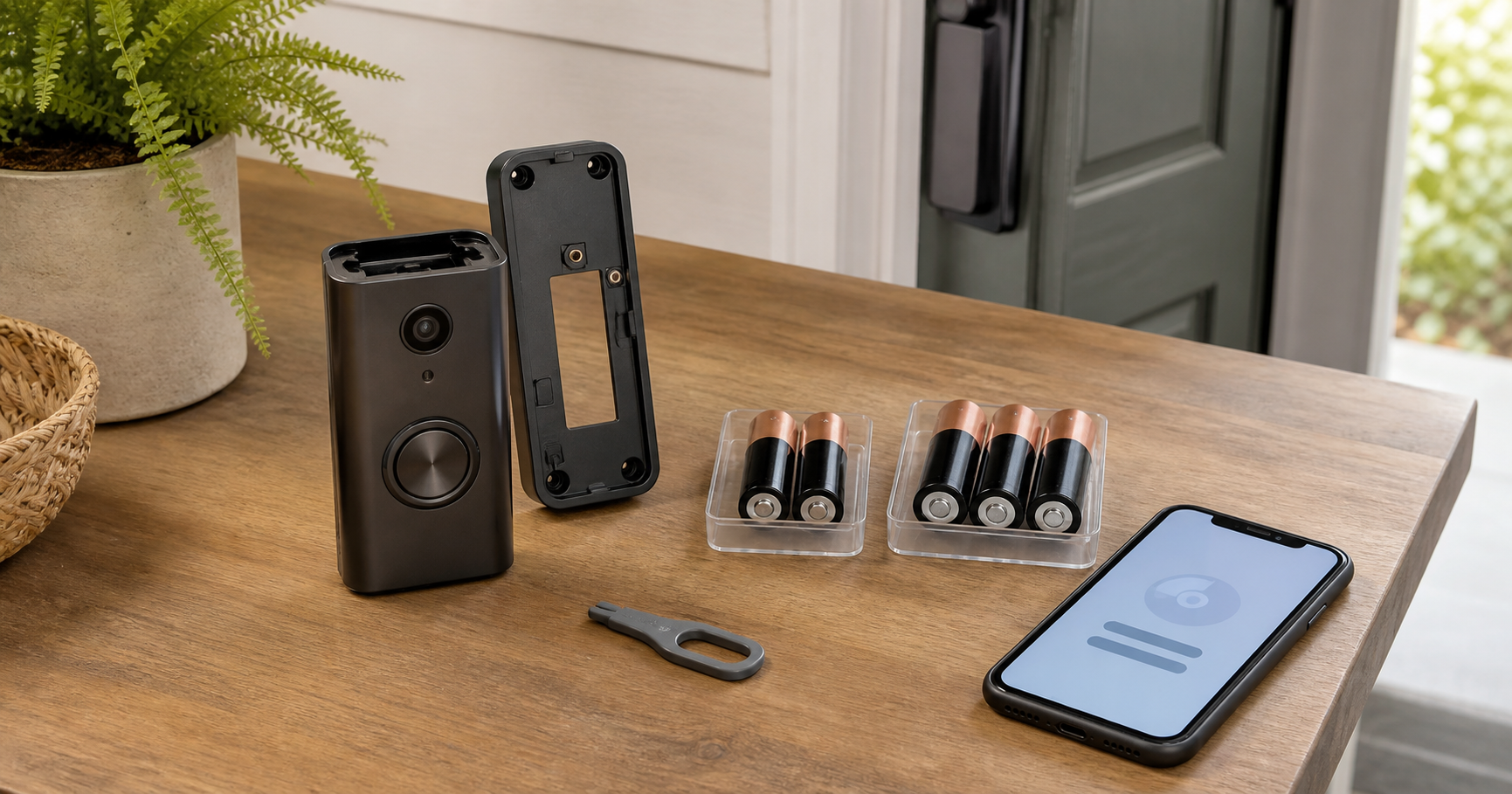
Blink Video Doorbell Battery Guide by Model: Type, Count, and Replacement
Check the exact Blink doorbell model before replacing its batteries. The original Video Doorbell uses two cells; the Video Doorbell (2nd Gen) and Battery Doorbell 2K+ each use three and require a Sync Module.
Weiterlesenüber Blink Video Doorbell Battery Guide by Model: Type, Count, and Replacement
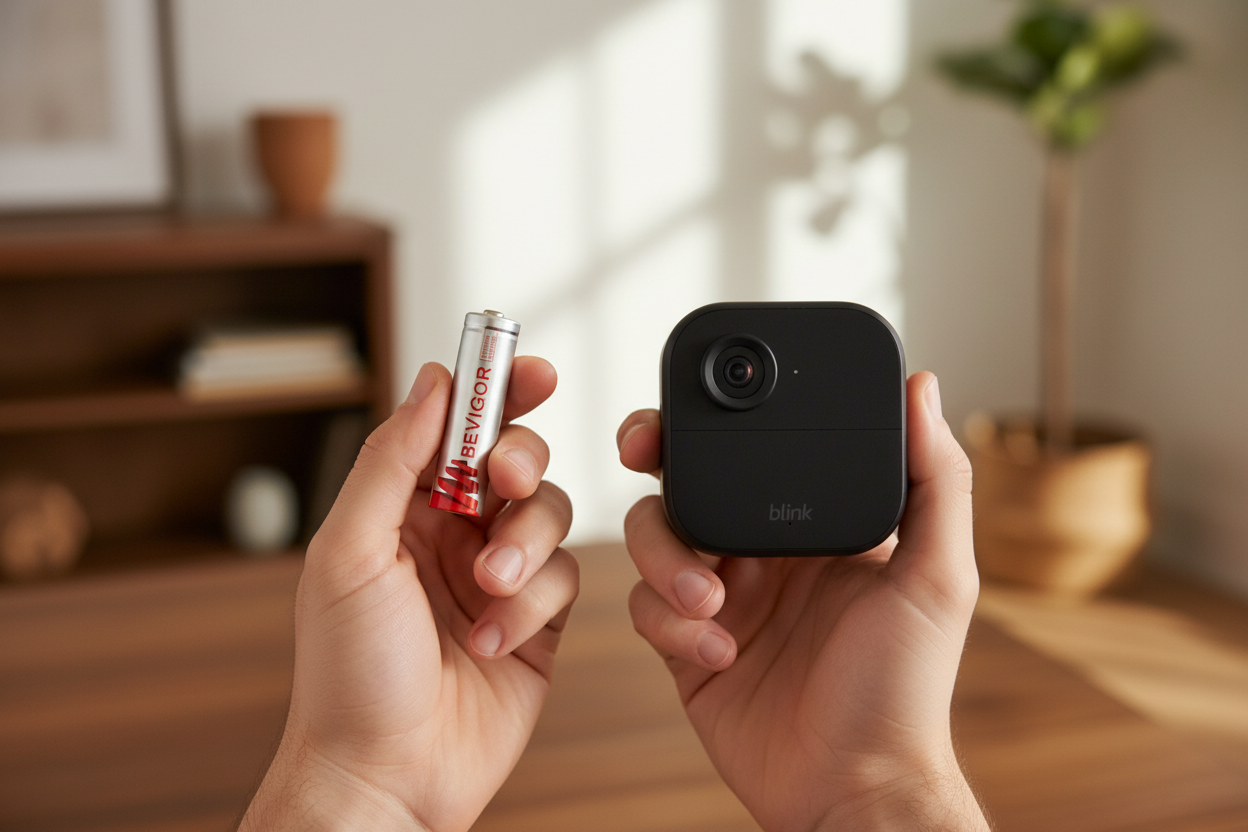
Why Is My Blink Camera Flashing Red With New Batteries?
New batteries do not always stop a Blink camera’s red light. The pattern may indicate setup mode, a lost connection, or a model-specific battery warning. Start with the model and flash timing, then check power and connectivity in the right order.
Weiterlesenüber Why Is My Blink Camera Flashing Red With New Batteries?