

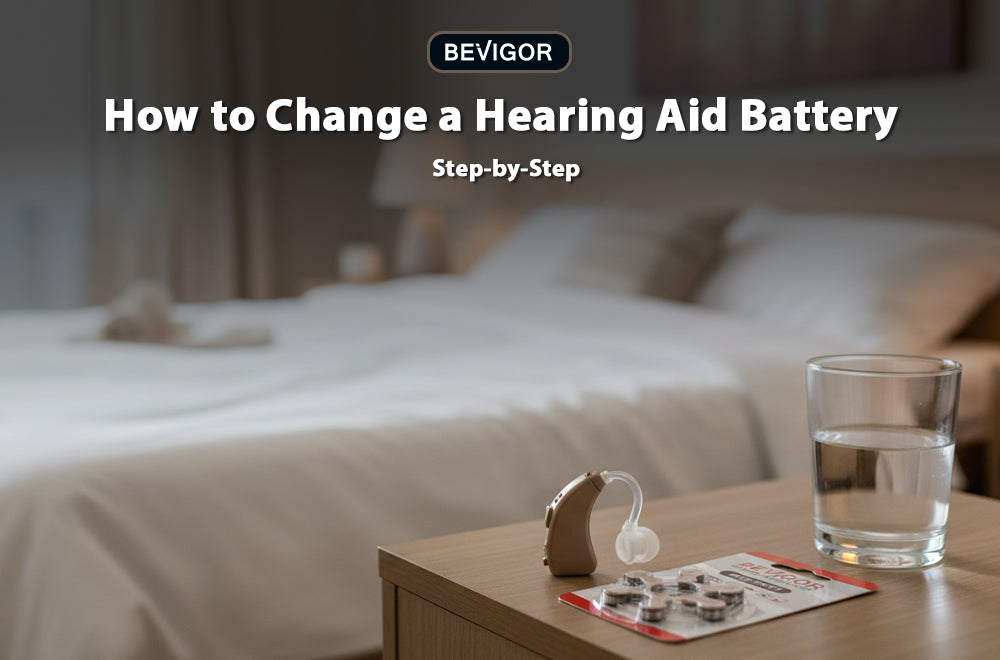
If you've never done this before, you're not alone. Batteries are tiny, and the stakes feel high—especially when you're changing them for someone who can't easily troubleshoot on their own. Learning how to replace these essential power sources shouldn't be stressful. Whether you are assisting a patient, helping a loved one, or managing your own daily device, approaching the task with a clear method makes all the difference.

Quick Cheatsheet: The 7-Step Replacement Process
- Set up a well-lit, stable workspace with a soft towel.
- Wash and thoroughly dry your hands.
- Gently open the device's battery compartment.
- Remove and safely discard the old cell.
- Peel the tab off the new battery and let it rest for two minutes.
- Insert the new battery with the flat, positive (+) side facing up.
- Close the door fully and listen for the startup chime.
Step 1: Prepare a Calm Workspace for Hearing Aid Batteries
Preparing a calm workspace ensures you have the necessary stability and visibility to handle tiny components safely without losing them. You should always use a proper table rather than hovering over a bathroom sink, where small parts can easily fall down the drain.
FAQ: Why Do Hearing Aid Batteries Require a Controlled Environment?
Hearing aid batteries require a controlled environment because their microscopic size makes them incredibly prone to bouncing and rolling completely out of sight if dropped. A controlled setting prevents unnecessary frustration and ensures that if a slip occurs, the battery is immediately recoverable.
FAQ: What Tools Help Manage Hearing Aid Batteries?
A light-colored towel, a brightly lit desk lamp, and a shallow tray are the most effective tools to help you manage these small power cells during a replacement. The soft fabric of the towel deadens the bounce of a dropped cell, while the contrasting light color makes the metallic surface of the battery stand out clearly.
FAQ: How Should You Position Yourself at the Table?
You should position yourself seated comfortably in a chair with both of your elbows resting firmly on the table surface. Supporting your elbows naturally stabilizes your hands, which is a critical technique if you or the person you are assisting experiences mild hand tremors or dexterity challenges.
Step 2: Wash and Dry Hands Before Handling Hearing Aid Batteries
Washing and thoroughly drying your hands prevents natural skin oils, dirt, and excess moisture from transferring onto the metallic contacts of your device. Clean, completely dry hands also give you the best possible tactile grip when manipulating such small, smooth objects.
FAQ: How Does Moisture Damage Hearing Aid Batteries?
Moisture damages hearing aid batteries by initiating microscopic corrosion on the metal surface, which effectively creates a physical barrier that interrupts the flow of electrical current. According to device hygiene guidelines, even trace amounts of water or sweat can short-circuit the cell or damage the internal gold-plated contacts of the hearing instrument.
Step 3: Open the Battery Door Carefully
Opening the battery compartment carefully preserves the delicate plastic hinges that hold the entire mechanical assembly together. Most hearing aids feature a small, swinging door at the very bottom of the unit that requires only minimal force to operate.
FAQ: What Is the Safest Way to Open the Compartment?
The safest way to open the compartment is to use the soft pad of your thumb or the very edge of a fingernail to gently catch the small lip of the door and pull outward. If you ever feel sudden resistance, you must stop pulling immediately and double-check the hinge direction, as forcing the plastic will likely cause it to snap.
Step 4: Remove the Old Hearing Aid Batteries
Removing the old power source simply requires you to tip the hearing instrument upside down so that gravity allows the spent cell to fall directly into your awaiting palm. Once the old cell is out, you have cleared the chamber to securely house the fresh replacement.
FAQ: How Can You Safely Extract a Stuck Battery?
You can safely extract a stuck battery by using the specialized magnetic wand provided by your audiologist or the edge of a clean, dry cleaning brush to gently pry the cell free. You must never use sharp household metal objects like needles or safety pins, as these can easily scratch the device's internal circuitry.
FAQ: How Should You Dispose of Old Hearing Aid Batteries?
You should dispose of old hearing aid batteries by placing them immediately into a dedicated recycling container or a highly secure trash bin that is completely inaccessible to children and pets. Because these cells are shiny and easily mistaken for food or toys, immediate disposal is a critical safety measure endorsed by poison control centers nationwide.
FAQ: Why Is a Consistent Routine Crucial for Caregivers?
A consistent routine is crucial for caregivers because it prevents the frustrating scenario of mixing up a dead battery with a brand-new one on the table. By adhering strictly to the rule of completely removing and discarding the old cell before ever opening the new packaging, you eliminate all potential confusion.
Step 5: Prepare the New Hearing Aid Batteries
Preparing the new cell requires removing the colored factory sticker from the back and allowing the battery to sit exposed to the open air on a clean surface. This preparation step is the most vital part of the entire process due to the unique chemical makeup of the cells.
FAQ: Why Do Zinc-Air Hearing Aid Batteries Need Time to Activate?
Zinc-air hearing aid batteries need time to activate because the chemical reaction that generates their electricity cannot begin until atmospheric oxygen physically enters the microscopic holes on the battery's casing. The manufacturer's colored sticker serves as an airtight seal; once peeled, the oxygen mixes with the internal zinc paste to generate the necessary voltage.
FAQ: What Happens If You Remove the Tab Too Early?
If you remove the tab too early and leave the battery sitting out for days before using it, the battery will slowly, continuously drain its energy into the air and die prematurely. You should only ever peel the protective colored sticker off when you are absolutely ready to insert the battery into the hearing instrument.
FAQ: How Long Should the Rest Period Last?
The rest period should last for a minimum of one to two full minutes before placing the cell into your device. Allowing this brief window gives the oxygen adequate time to fully saturate the cell, ensuring the battery reaches its peak 1.45 operating voltage and preventing your hearing aid from immediately issuing a false "low battery" warning.
Step 6: Insert the New Hearing Aid Batteries Correctly
Inserting the new cell correctly means ensuring that the physical orientation of the battery matches the polarity requirements of the hearing aid's internal circuitry. Getting this alignment right guarantees that the power flows appropriately to the device's digital signal processor.
FAQ: How Do You Identify the Positive Side?
You identify the positive side by looking for the completely flat, smooth surface of the battery, which almost always features a small, faintly engraved plus sign (+). Conversely, the negative side of the cell features a distinct raised circular ridge or a slight step-down shape.
FAQ: What Does the Compartment Diagram Tell You?
The compartment diagram tells you exactly which direction the positive side of the battery should face when it is resting inside the plastic door. Most modern devices have a small red plus sign (+) molded directly into the plastic of the door hinge to serve as a foolproof visual guide.
FAQ: Why Must You Never Force the Door Shut?
You must never force the door shut because heavy mechanical resistance is the universal indicator that the battery has been inserted upside down. If you attempt to squeeze the door closed while the cell is inverted, you will inevitably crush the battery contacts and permanently disable the hearing aid.
Step 7: Close the Door and Listen
Closing the door completely engages the metal electrical contacts against the surface of the battery, effectively turning the hearing instrument on. Once the door snaps flush against the body of the device, the digital processor will begin its automated boot sequence.
FAQ: What Should You Do If the Device Is Silent?
If the device is silent after inserting a fresh battery, you should immediately open the door to verify the cell is facing the correct direction and then check the earpiece for wax blockages. If the orientation is correct and the speaker is totally clean, the battery itself may be a factory dud, and you should try a second fresh cell before contacting your audiologist.
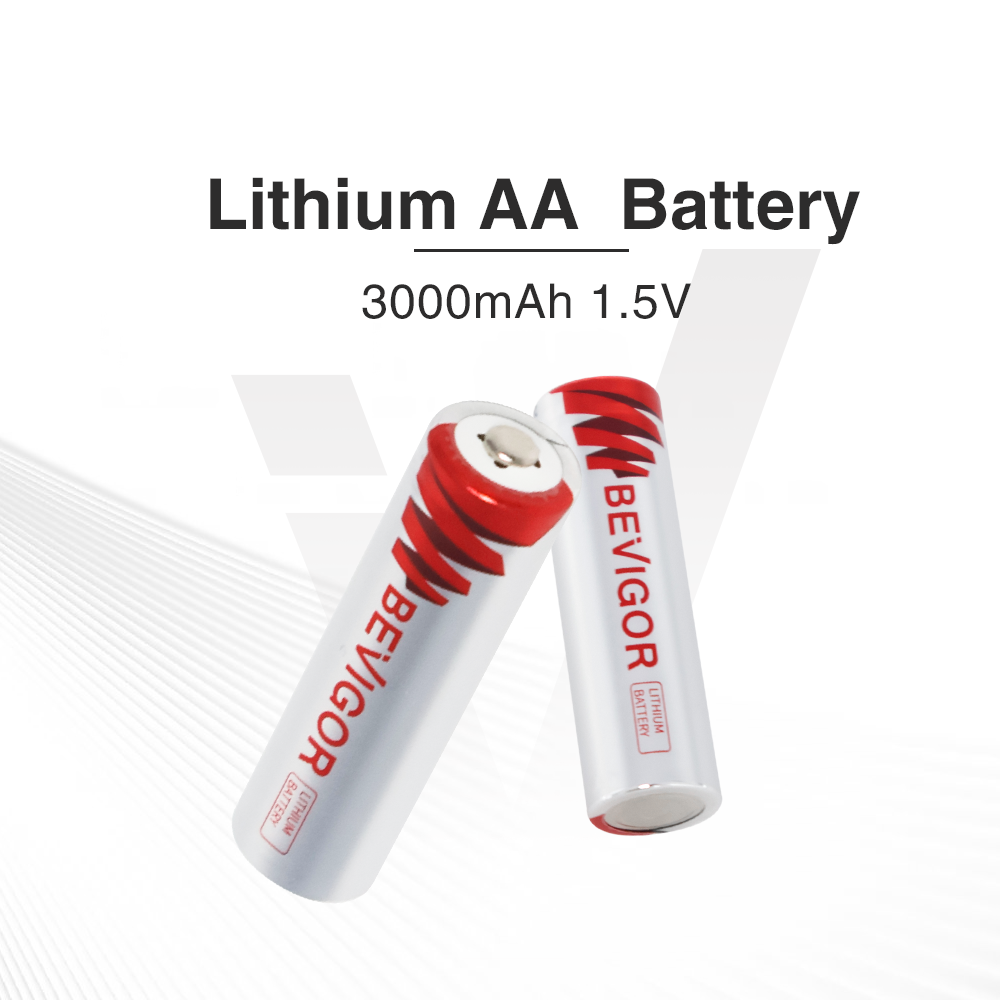
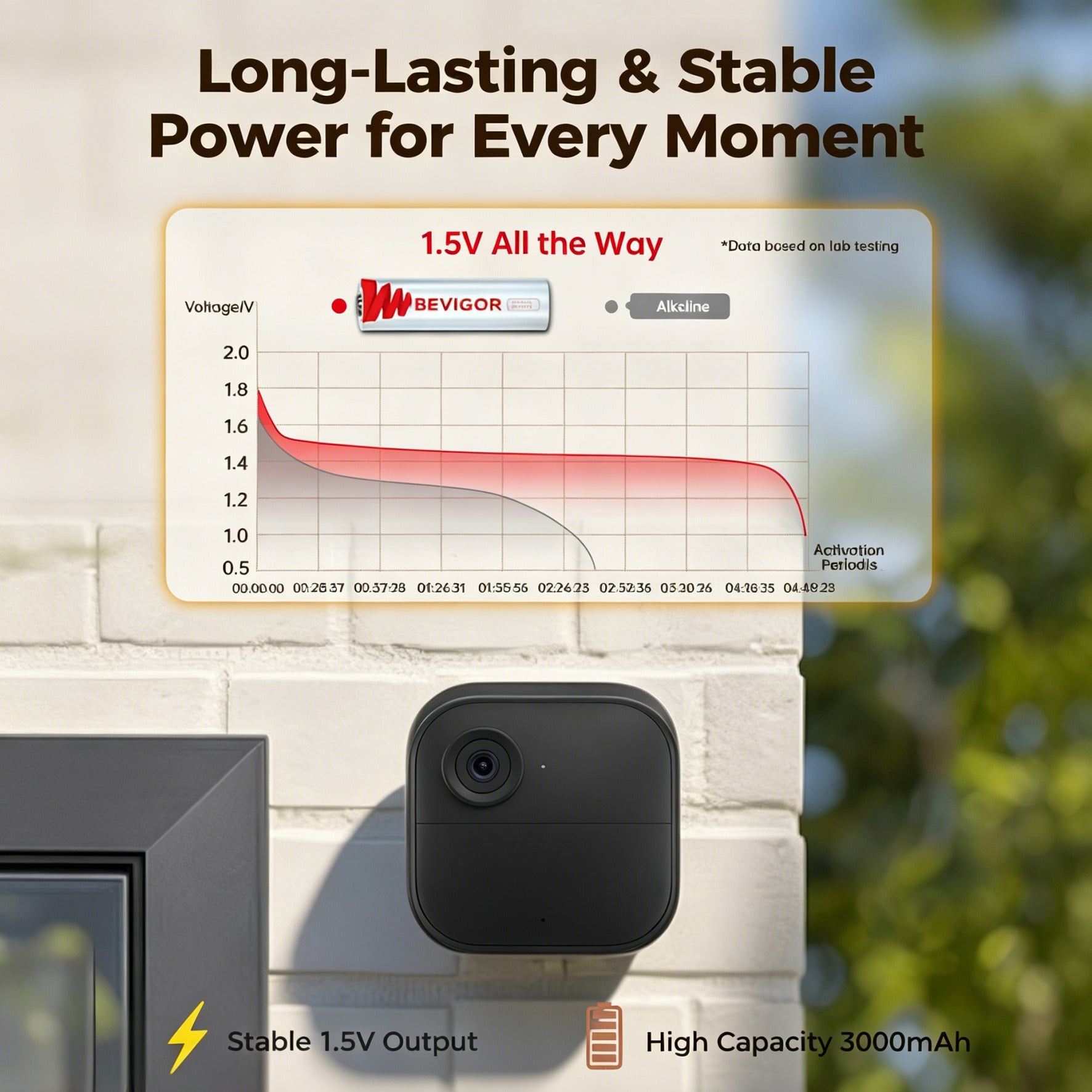
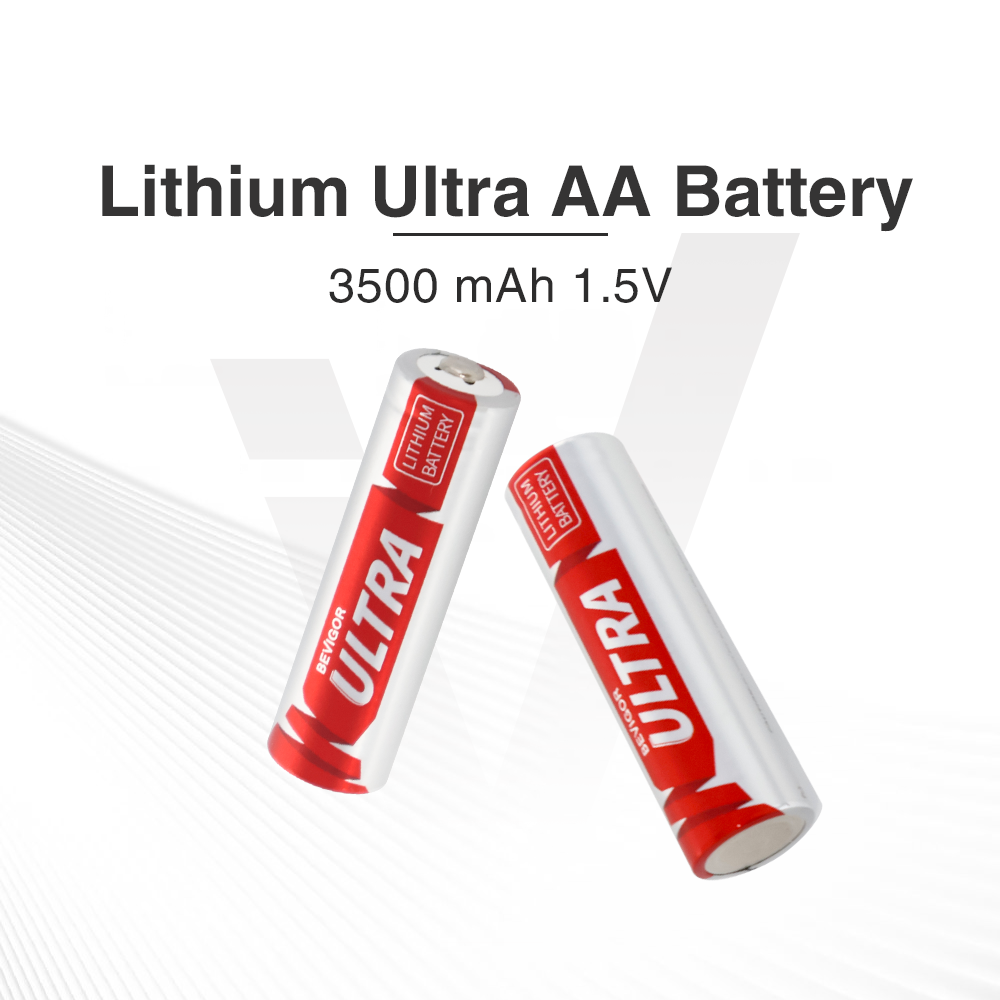
Mastering the delicate mechanics of your auditory devices is just the beginning of your journey toward flawless daily communication. To elevate your experience and ensure your devices never falter when you need them most, explore the advanced energy solutions available in the Bevigor lineup today.






Aktie:
What Makes Hearing Aid Batteries Different From "Regular" Batteries
Size 312 vs. Size 13 Hearing Aid Battery: What's the Difference?