


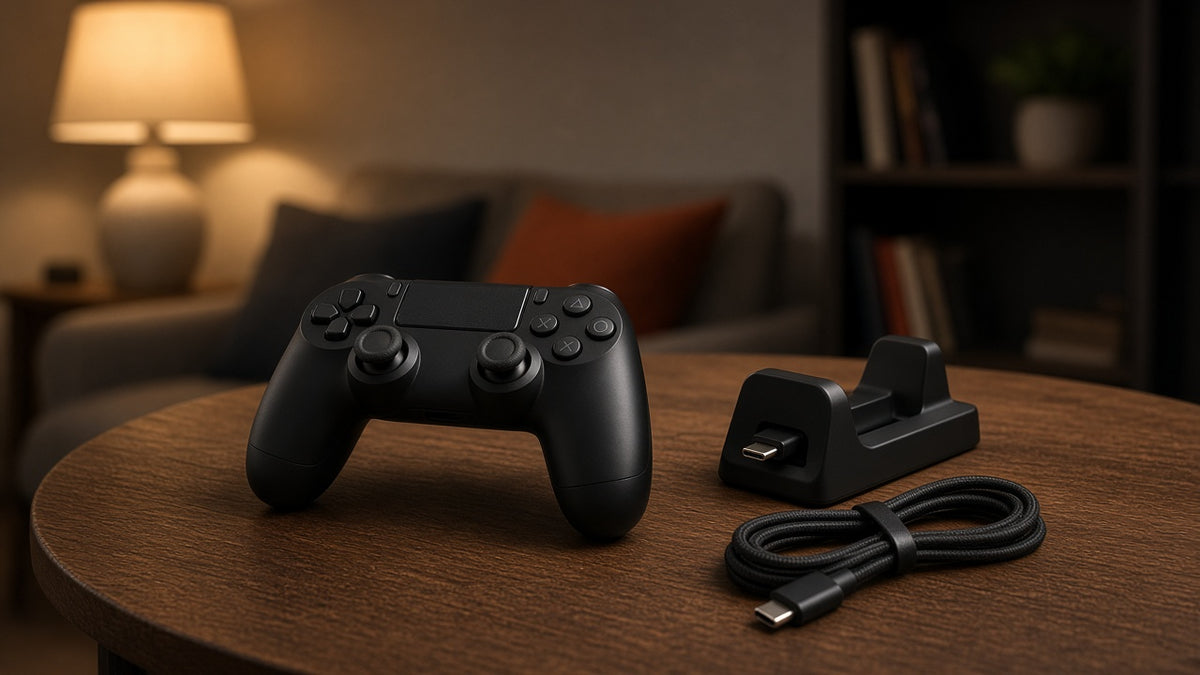
If you are planning long Grand Theft Auto VI sessions on PlayStation 5, PS5 controller battery life is a practical constraint—not a trivia detail. The DualSense wireless controller uses a built-in rechargeable battery. It does not take AA cells. Features such as haptic feedback, adaptive triggers, and the controller speaker—which PlayStation highlights for GTA VI on PS5—can increase power draw depending on how the game and your system settings use them.
Staying powered means charging and backup planning: a charging station, a second controller, a long USB-C cable, and a few system habits. It does not mean buying alkaline or lithium AA batteries for a DualSense.
Why GTA 6 Can Drain a DualSense Faster
PlayStation’s U.S. GTA VI page notes that the PS5 version supports DualSense haptic feedback, adaptive trigger effects, and sound through the integrated speaker. Those systems move motors, change trigger resistance, and play audio from the pad. When a game uses them often, the controller typically works harder than it does in a quiet menu or a title that barely touches those features.
That does not mean every GTA VI session will empty the battery in a fixed number of hours. Runtime still depends on:
- how long you play in one sitting
- vibration and trigger intensity settings on the PS5
- controller light-bar brightness
- wireless vs wired play
- DualSense vs DualSense Edge
- battery age and charge habits
Treat any “average hours” figure you see online as a rough report from someone else’s conditions—not a promise for your living room.
What “Battery Shopping” Means for a PS5 Controller
Because the DualSense battery is built in, shopping for “batteries” on PS5 really means shopping for continuity:
1. DualSense charging station (or compatible dock)
A charging station gives the controller a dedicated place to sit when you pause. Official DualSense charging stations are designed for the DualSense form factor; if you also use a DualSense Edge, confirm the dock listing supports Edge before you buy. A dock does not change the chemistry inside the pad—it only makes full charges easier to keep.
2. A second DualSense
One of the simplest long-session setups is rotation: play on pad A while pad B charges, then swap. This costs more than a cable, but it avoids finishing a chase scene tethered to the console.
3. A long USB-C cable (play while charging)
A quality USB-C cable to the PS5 (or a powered USB port, following Sony’s accessory guidance) lets you keep playing while the controller charges. Use a cable long enough for your seating distance, route it so nobody trips, and avoid sharp bends at the controller port.
4. Know the DualSense Edge tradeoff
The DualSense Edge adds customization hardware. Public reporting and product materials commonly note a smaller internal battery than the standard DualSense, which often means shorter wireless sessions if you use the same features at the same intensity. If you choose Edge for paddles and stick modules, plan charging around that—do not assume “premium” equals “longer battery.”
5. What not to buy for DualSense
Standard AA alkaline, NiMH, or primary lithium AA batteries will not fit a DualSense or DualSense Edge. Do not force cells into the shell, and do not treat third-party “AA adapter” claims as normal DualSense design. Opening the controller to install a larger internal pack is a repair project with warranty and safety tradeoffs; this guide does not recommend it as the default prep for GTA VI.
Quick comparison: cable vs dock vs second pad
| Option | Best when… | Watch-outs |
|---|---|---|
| Long USB-C cable | You want the lowest-cost fix and do not mind a tether | Cable length, trip hazard, port strain |
| Charging station | You pause often and want a “put it down to charge” habit | Confirm DualSense vs Edge fit; needs outlet space |
| Second DualSense | You hate interrupting chases or missions to plug in | Higher upfront cost; still needs a charge routine |
Pick one primary method and one backup. Two incomplete plans (short cable on the floor plus an empty spare) still end in a black screen mid-mission.
PS5 Settings That Can Stretch a Charge
Use the console’s own menus (wording can vary slightly by system software version). Check Settings → System → Power Saving (and related accessory / controller menus on your software version) rather than guessing from memory:
- Rest Mode USB power: Allow USB ports to supply power in Rest Mode so a connected controller can charge when you are not playing. Review the time limit / always options for your model so you understand when power stops. Slim and Pro models may expose additional USB power behaviors—confirm on-device.
- Vibration intensity: Lower vibration if you are willing to trade some feel for longer wireless time.
- Trigger effect intensity: Adaptive triggers are part of the DualSense experience in supported games; reducing intensity can lower drain.
- Light bar brightness: Dimming the light bar is a small but easy save.
A low-battery notification is a warning, not a countdown with a guaranteed remaining playtime. When you see it during a long GTA VI session, plan a swap or a cable sooner rather than later. If you share the console with another player, agree who holds the spare charged pad before a two-controller night.
Long-Session Checklist for Launch Weeks and Weekend Runs
- Start with a full charge (or a freshly swapped spare controller).
- Keep either a second DualSense on the charger or a USB-C cable within reach.
- If you play wired, clear a safe cable path across the floor.
- On breaks, return the pad to the dock or plug it in instead of leaving it idle on the couch.
- After the session, charge before the next night so you are not starting from empty.
None of these steps require buying AA batteries for the DualSense.
If You Play With an Xbox Controller Instead
Some players use an Xbox Wireless Controller on Xbox consoles or on PC. Those pads commonly take user-replaceable AA batteries, which is a different shopping problem from DualSense charging.
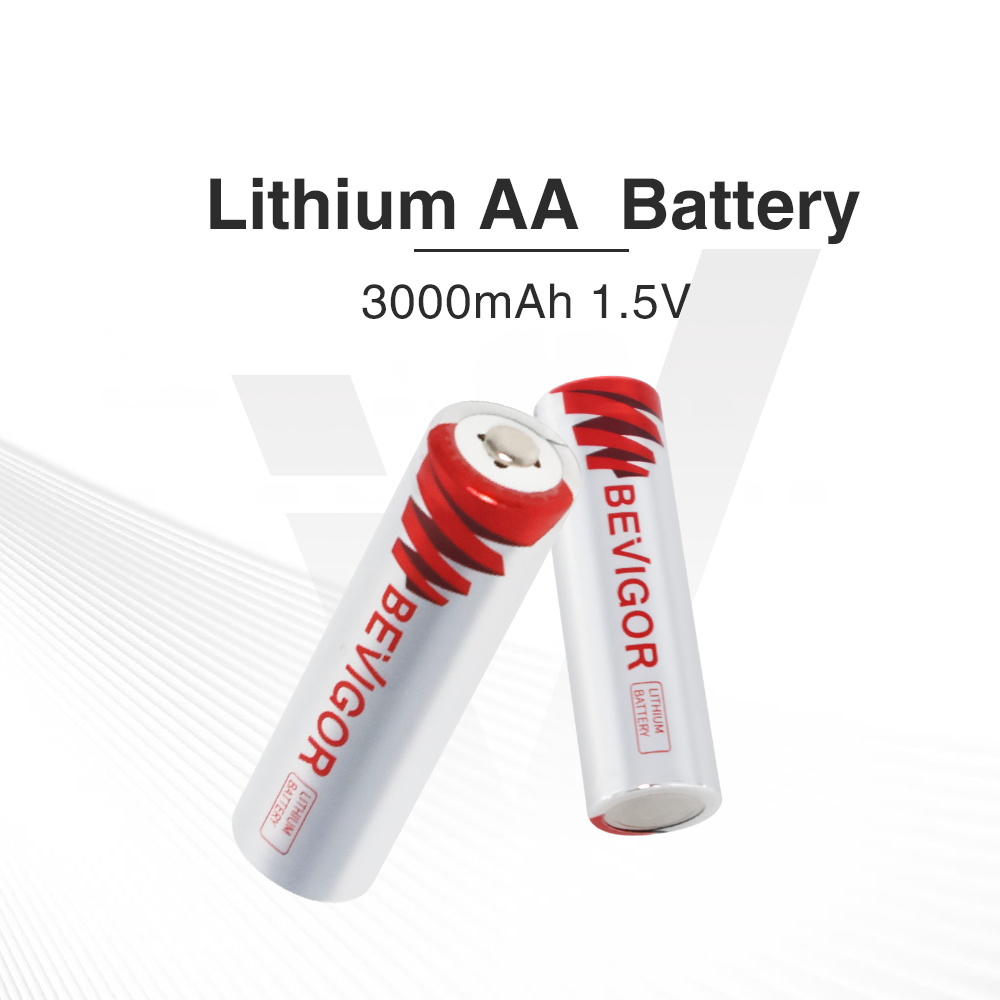
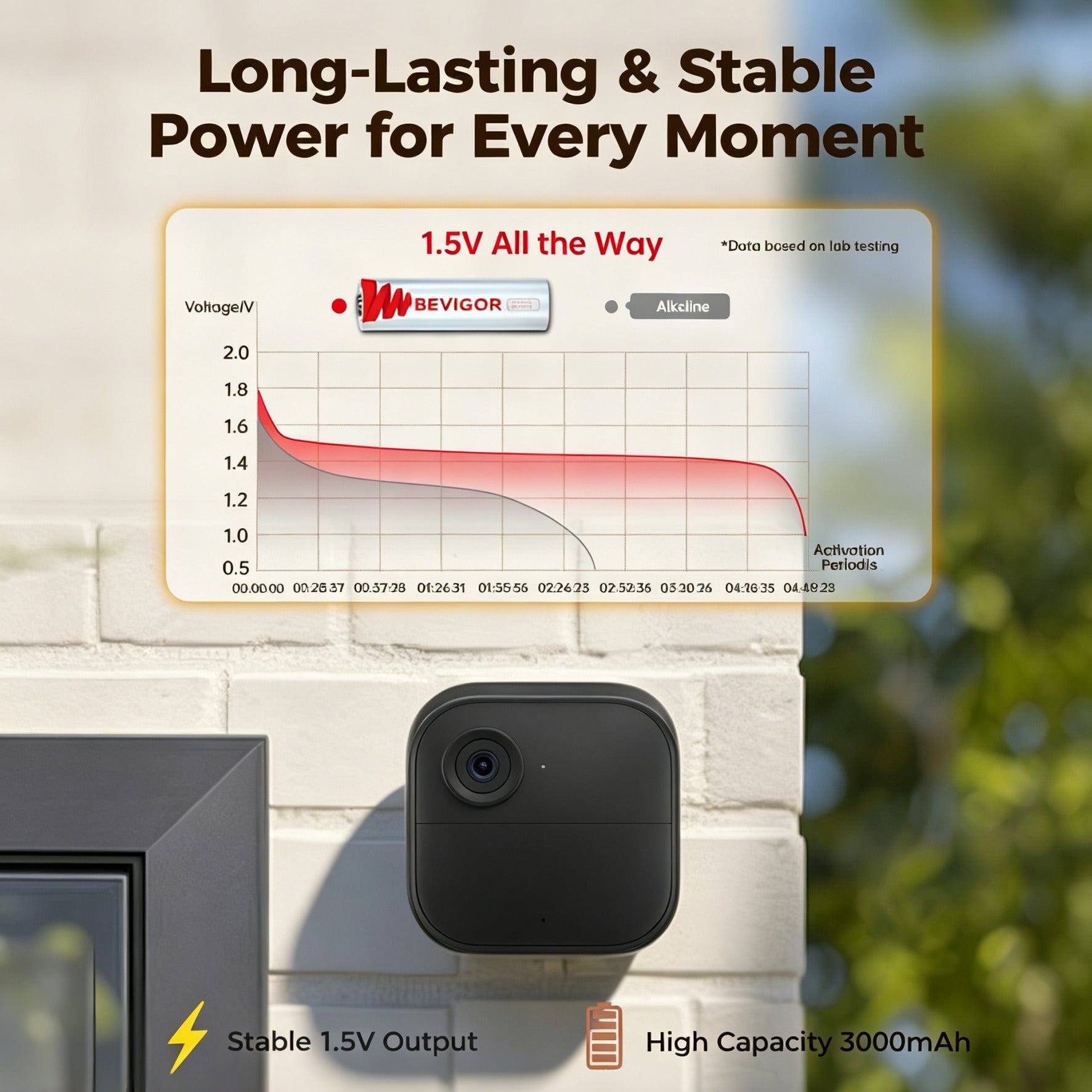
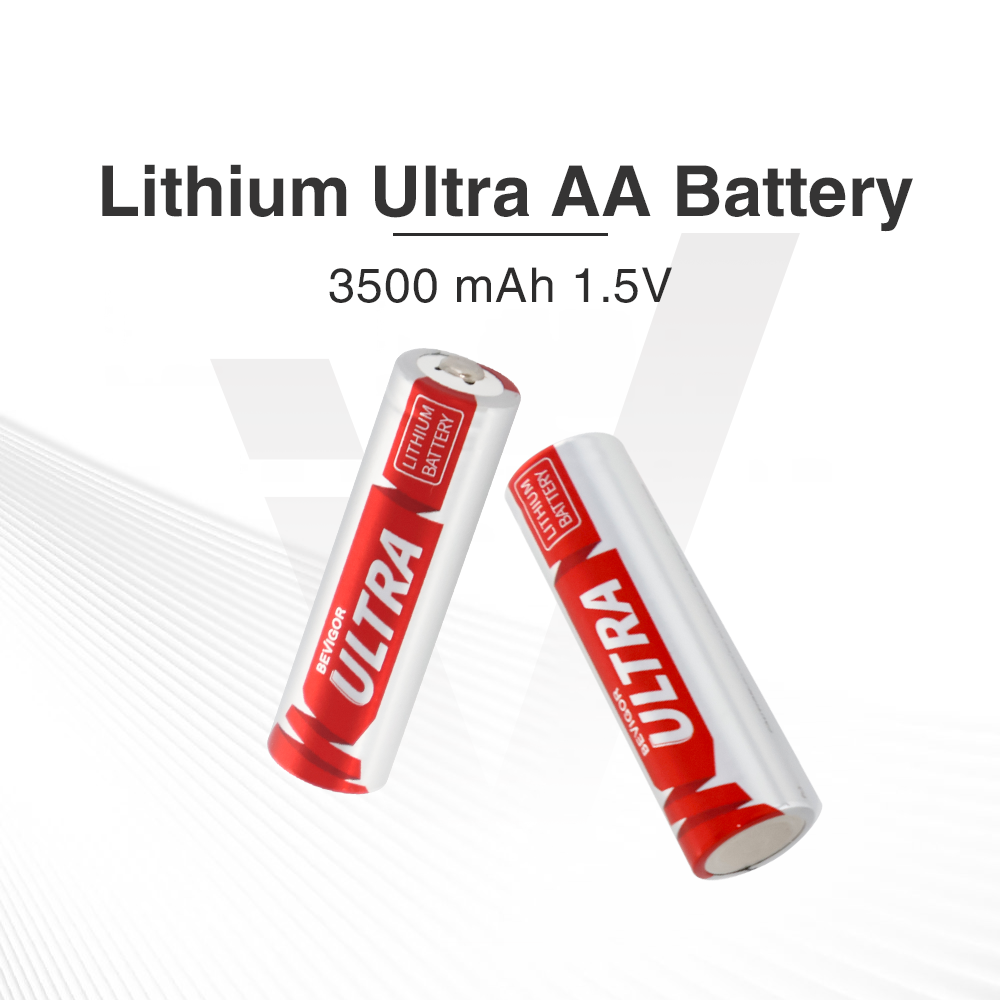
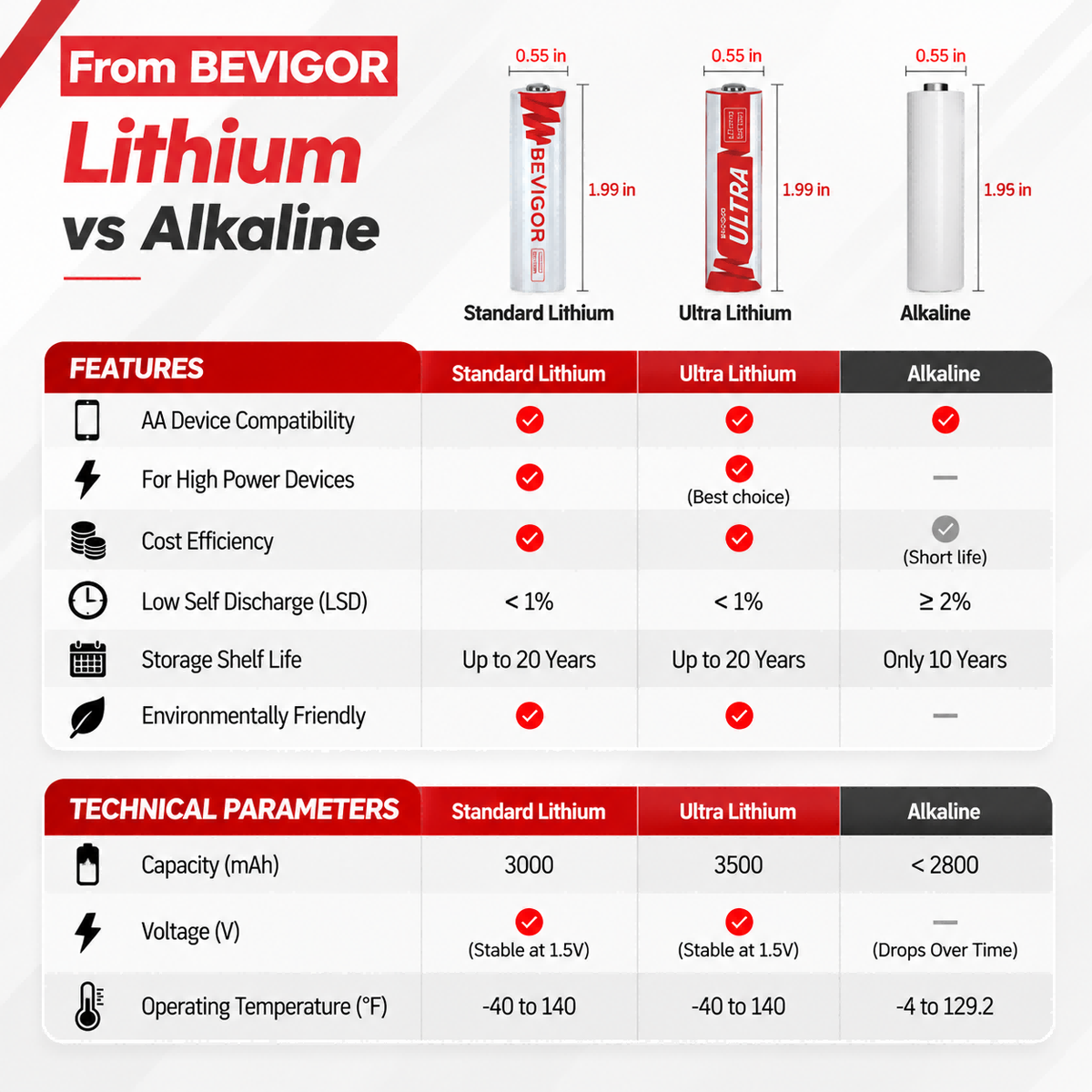
For AA selection on Xbox-style controllers, see our guide to AA batteries for Xbox controllers. If primary lithium AA multipacks fit your Xbox or PC setup, browse AA lithium batteries. That path does not apply to a stock DualSense.
Frequently Asked Questions
Does the DualSense take AA batteries?
No. The DualSense and DualSense Edge use built-in rechargeable batteries. AA cells are the wrong format.
How long does a DualSense last in GTA 6?
There is no single official hour count that applies to every player. GTA VI can use haptics, adaptive triggers, and the controller speaker, which may shorten wireless sessions compared with lighter games. Your settings and play length matter more than a universal number.
Do I need a DualSense charging station?
No. A station is convenient, especially with two controllers. A USB-C cable and Rest Mode charging habits can also work. Choose based on how you sit and how often you play long sessions.
Is DualSense Edge better for battery life?
Usually not as a pure endurance choice. Edge prioritizes customization; its battery is commonly smaller than the standard DualSense. Confirm current product details before you buy if runtime is your main goal.
What batteries should I buy if I switch to an Xbox controller?
Look for AA cells that match your Xbox pad’s requirements, then compare alkaline, NiMH rechargeables, and primary lithium based on how you play. Start with our Xbox controller AA guide.
Bottom Line
For GTA VI on PS5, protect PS5 controller battery life with charging and backup—not with AA multipacks meant for other devices. Confirm DualSense features against PlayStation’s own GTA VI game page and current system settings screens, set vibration and trigger intensity intentionally, and keep a dock, spare pad, or cable ready for long sessions. Save AA shopping for controllers that actually open for AA cells.
Grand Theft Auto, PlayStation, DualSense, and related names are trademarks of their respective owners. This article is independent consumer guidance and is not affiliated with, endorsed by, or sponsored by Sony Interactive Entertainment, Rockstar Games, or Take-Two Interactive.






Share:
AA Batteries for Xbox Controllers: A Phantom Blade Zero PC Guide