

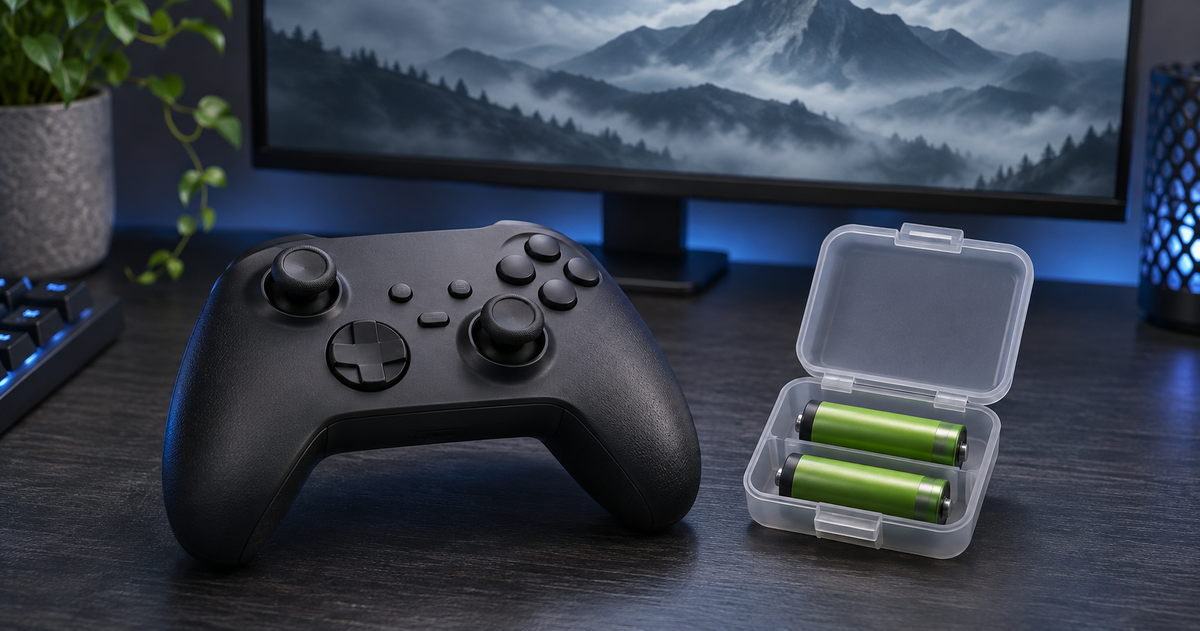
Choosing AA batteries for an Xbox controller starts with the controller, not the game. For a compatible AA-powered model, rechargeable NiMH batteries are worth considering if you play regularly and are willing to use a separate charger. Keep a second charged pair ready rather than planning around a promised number of gaming hours.
That is a useful bit of preparation if Phantom Blade Zero is next on your PC playlist. Its Steam listing shows an October 28, 2026 release and full controller support, including Xbox controllers. This guide is about powering an AA-compatible controller on PC.
You do not need a battery made for a particular game. You need the right battery type for your controller, a suitable charging method, and a simple plan for when a pair runs low.
First, check whether your controller uses AA batteries
A familiar button layout does not tell you what is inside the controller. Before ordering replacements, look up the exact model and check its battery instructions.
- Standard Xbox Wireless Controller: Microsoft's current product specifications list AA battery power and Windows compatibility. This is the controller category discussed here.
- DualSense wireless controller: Sony's instruction manual identifies a built-in rechargeable lithium-ion battery. AA cells are not a replacement for it.
- Other PC controllers: Check the manufacturer's instructions. A controller may use removable cells, a dedicated pack, an internal battery, or wired power.
Do not assume that every controller carrying the Xbox name has the same battery arrangement. The advice below applies only where the specific model permits the battery type you intend to use.
AA batteries for Xbox controllers: compare your options
For an AA-powered controller, choose around how often you play and how you want to handle replacements. A rechargeable setup and a disposable setup solve the same problem differently.
| Option | Why consider it? | What to check |
|---|---|---|
| NiMH rechargeable AA cells | You want reusable batteries and can maintain a charging routine. | Confirm that the controller permits NiMH, and use a charger intended for those cells. |
| Standard alkaline AA cells | You prefer replacing cells without maintaining a charger. | Confirm the required rating. Standard disposable alkaline batteries are not rechargeable. |
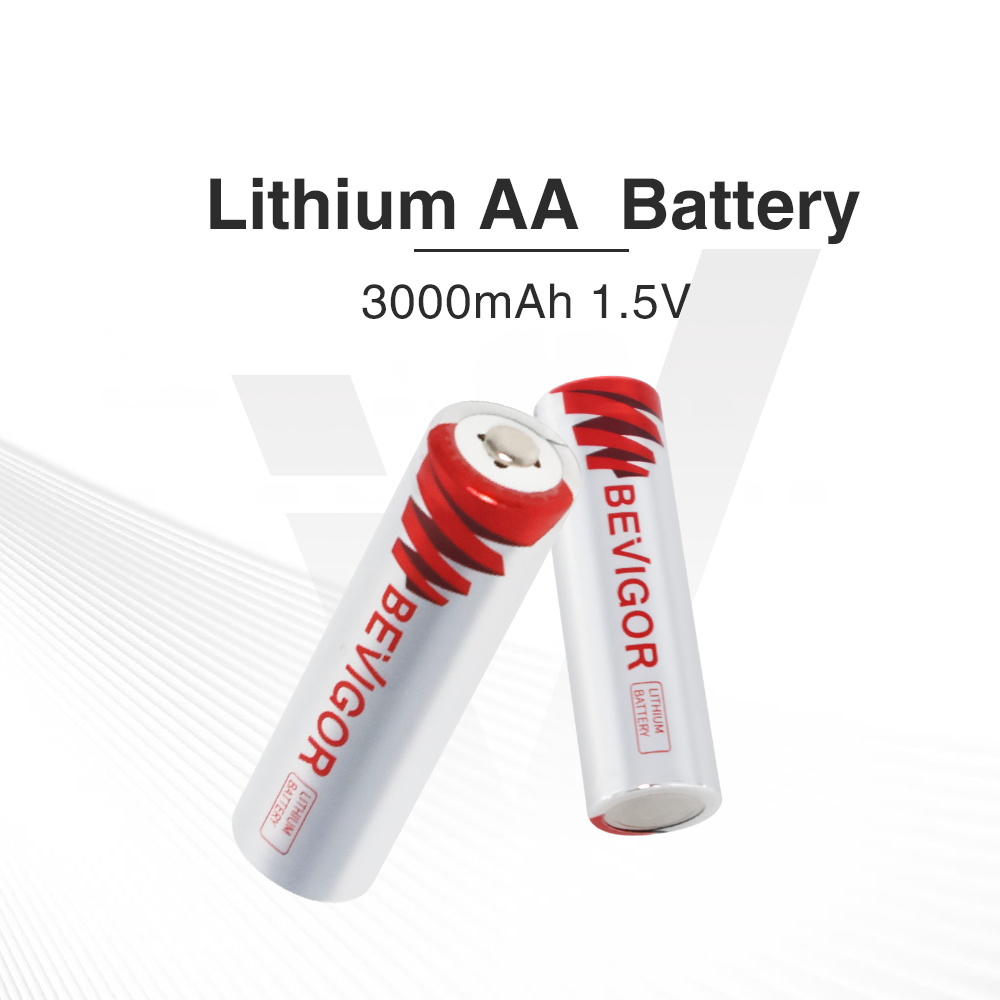
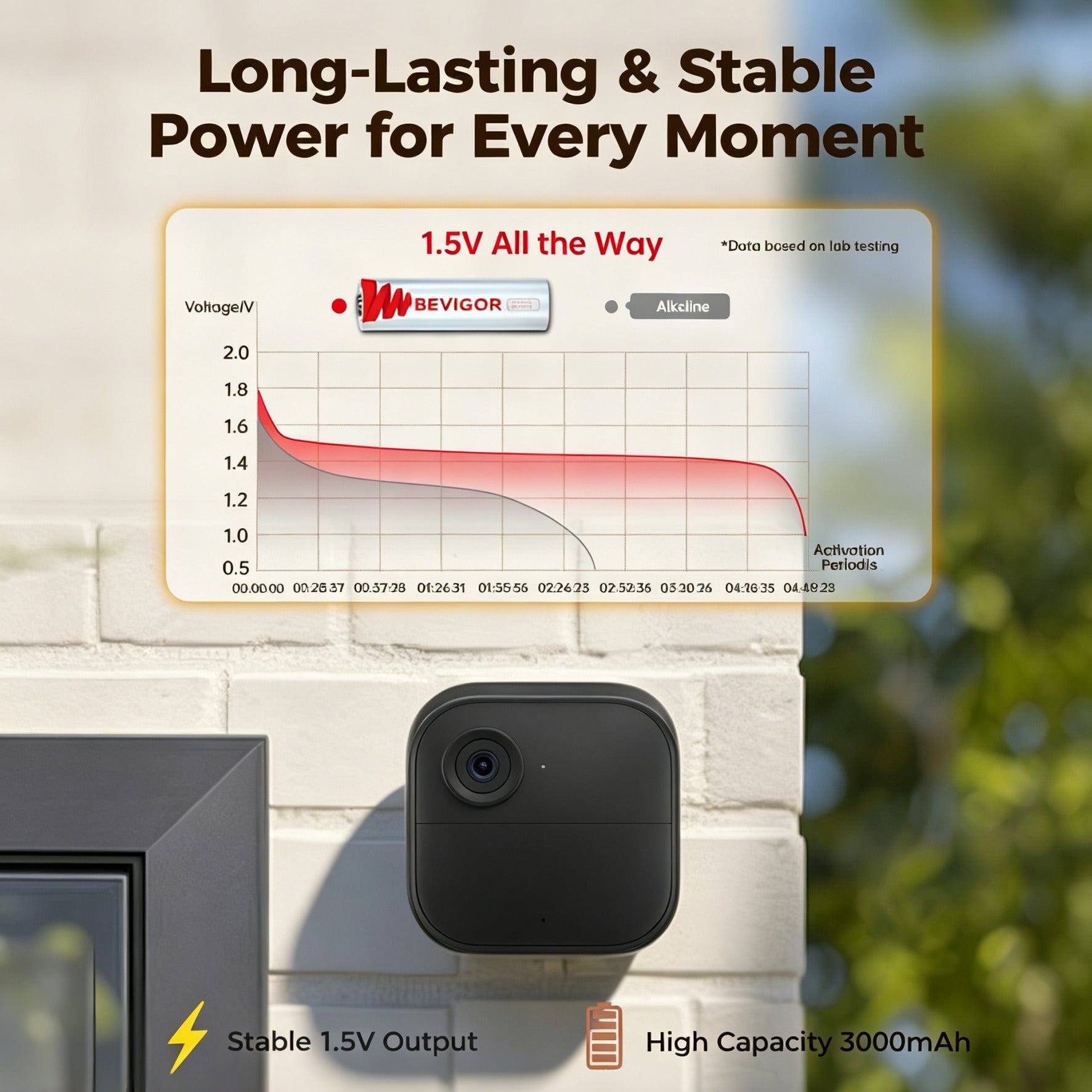
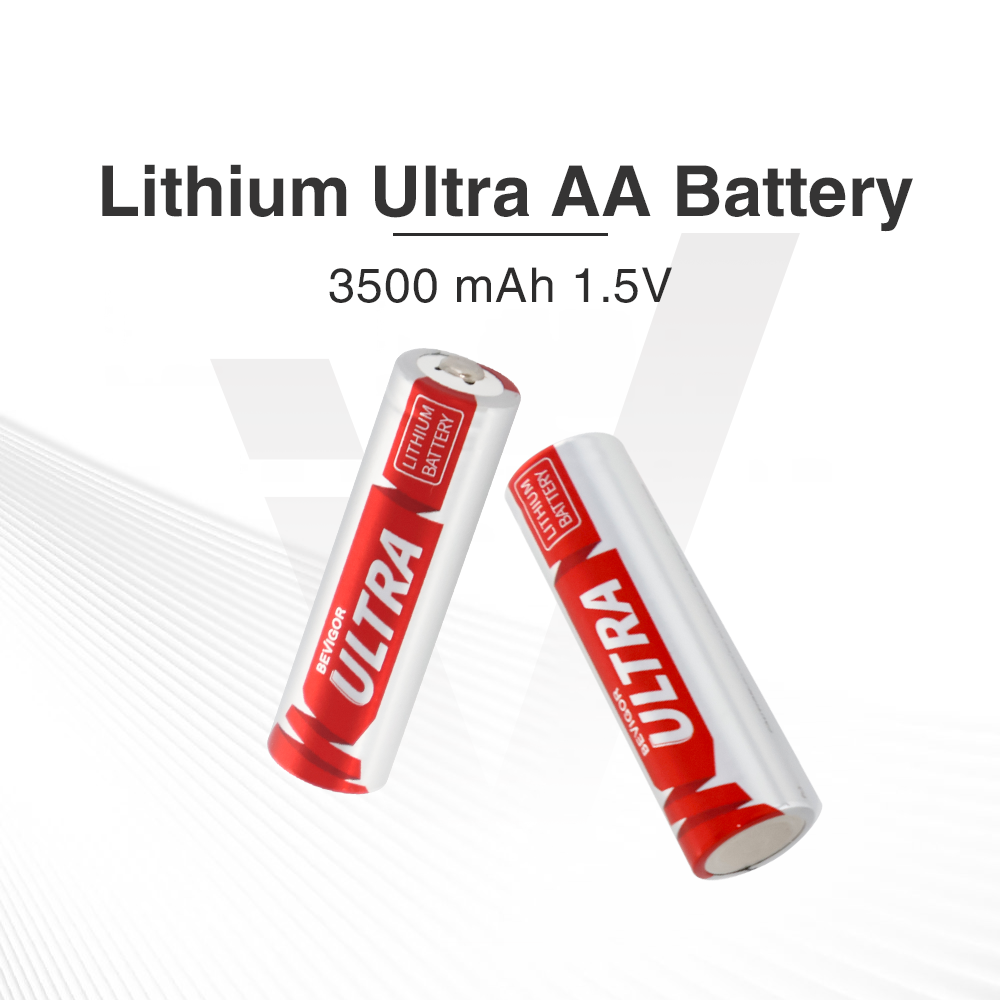
| Primary lithium AA cells | You are evaluating a non-rechargeable alternative. | Use only if the device permits that chemistry and voltage. Do not recharge them. |
| Controller-specific rechargeable pack | You prefer a pack designed for your exact controller. | Check model compatibility and that pack's charging instructions; it is not the same product as loose AA cells. |
For regular gaming, our practical recommendation is to consider a reusable AA setup if your controller supports it. For occasional play, buying a charger may be less convenient than keeping the approved disposable cells on hand. Neither choice needs a universal “best battery” claim.
Also separate battery size from battery chemistry. A rechargeable lithium-ion product is not automatically interchangeable with NiMH just because both are shaped like AA cells. Likewise, the word “lithium” does not mean a battery can be recharged. Read the battery label and device instructions together.
Build a simple two-pair rotation
If your controller takes two AA batteries and permits your chosen rechargeable type, four cells give you two pairs: one in use and one spare. The goal is not to extend a single charge through every gaming session. It is to make a low-battery warning easier to deal with.
- Prepare both pairs. Follow the battery and charger instructions before first use. Keep each pair together so you know which cells have been used together.
- Put one pair in the controller. Follow the compartment markings and the manufacturer's installation instructions.
- Keep the spare pair ready. Store it in a protective battery case, not loose alongside keys, coins, or other metal items.
- Swap when needed. Pause play, turn off the controller, and follow the model's replacement procedure.
- Recharge the removed pair separately. Use the appropriate charger and follow its completion indicators and instructions. The spare pair must actually be charged; simply owning four cells is not enough.
Microsoft's battery safety guidance warns against mixing old and new batteries or different types, and against allowing metal objects to touch removable battery terminals.
Where the BEVIGOR AA battery and charger kit fits
The BEVIGOR 2800 mAh Rechargeable AA Batteries with Smart 4 Bay Charger is one option to evaluate for this routine. Select the AA-4 & Charger variant if you want four AA cells and a charger rather than a larger multipack.
The current listing describes NiMH batteries, a four-bay charger with independent charging slots, a USB-C cable, and a user manual. The charger is listed for NiMH/NiCd cells. That does not make it a charger for primary lithium batteries or rechargeable lithium-ion cells.
BEVIGOR lists the AA cells at 2800 mAh. That is a stated battery capacity, not a promise of how many hours you will get in Phantom Blade Zero. We have not conducted a runtime test of this kit in the game and are not presenting it as an Xbox- or S-GAME-certified accessory.
Before buying, confirm your controller's battery requirements. If you already own a suitable charger, check whether you need another kit at all. The rechargeable batteries and chargers collection provides other purchase formats; match the cells and charger rather than choosing by pack size alone.
Do not confuse a USB-C port with AA charging
With loose rechargeable AA batteries, plan on using the external charger specified for those cells. Do not treat a controller's USB-C socket as permission to charge whatever batteries are inside it.
A dedicated rechargeable controller pack can have its own charging arrangement. Follow that exact pack's instructions instead of transferring them to loose AAs. Microsoft's controller battery support page is the model-specific reference to consult alongside your battery and charger manuals.
For the BEVIGOR kit discussed here, the USB-C cable supplies the separate charger. It is not evidence that the AA cells can be charged through the controller. Never put a non-rechargeable cell into a charger.
If your controller stops responding, check more than the batteries
Power loss and a connection problem can look similar while you are playing. A battery purchase is not a guaranteed fix for every disconnect.
- Check the available battery indication and whether the controller still powers on.
- Check installation against the controller's instructions, without forcing cells or modifying contacts.
- If power appears normal, use the manufacturer's connection and firmware troubleshooting for your model.
- If the controller works in other applications but not in the game, check the game's controller settings and current support information.
Make a quick pre-game power check
Before starting a session, confirm your controller model, check the installed pair, and make sure the spare pair is ready. Put the charger and battery case somewhere you will remember. This small routine is more useful than trying to predict how many boss attempts fit into one charge.
Follow the battery and charger instructions for use and storage. At the end of their useful life, take rechargeable cells to an appropriate collection program. The EPA's household battery guide says rechargeable batteries should not go in household trash or municipal recycling bins; check local collection options.
Frequently asked questions
Does a PS5 DualSense controller use AA batteries?
No. DualSense has a built-in rechargeable lithium-ion battery. This removable-AA setup is not a replacement solution for that controller.
Can I use rechargeable AA batteries in my Xbox controller?
Check the exact model's instructions and permitted battery types. This guide discusses AA-powered controllers, not every Xbox-branded model. Evaluate NiMH cells only where the controller permits them.
Should I charge loose AA batteries through the controller's USB-C port?
Use the external charging method specified for the cells. Do not assume a controller port charges loose AAs, and do not apply a dedicated battery pack's instructions to a different battery product.
How long will the BEVIGOR batteries last in Phantom Blade Zero?
For your next Phantom Blade Zero session on PC, a fully charged pair of BEVIGOR 2800mAh NiMH AA batteries offers an estimated 18–25 hours of playtime in a compatible controller. Actual runtime varies with controller model, vibration settings, connected accessories, and battery condition. Keep a second charged pair ready for an easy swap.






Share:
Garage Door Opener Remote Battery Guide: Find and Replace the Right Battery